Listings and transactions
Comes with the Brokerage Coordinator agent. When you add it, the agent sets up this app in a few minutes, keeps it up to date and adapts it to how you work.
Available in every region: Canada, the US and the EU.
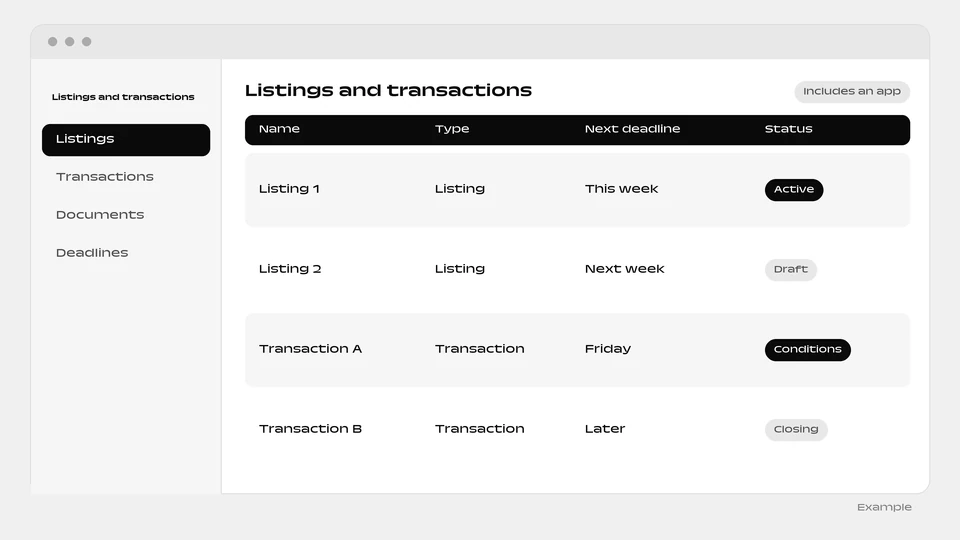
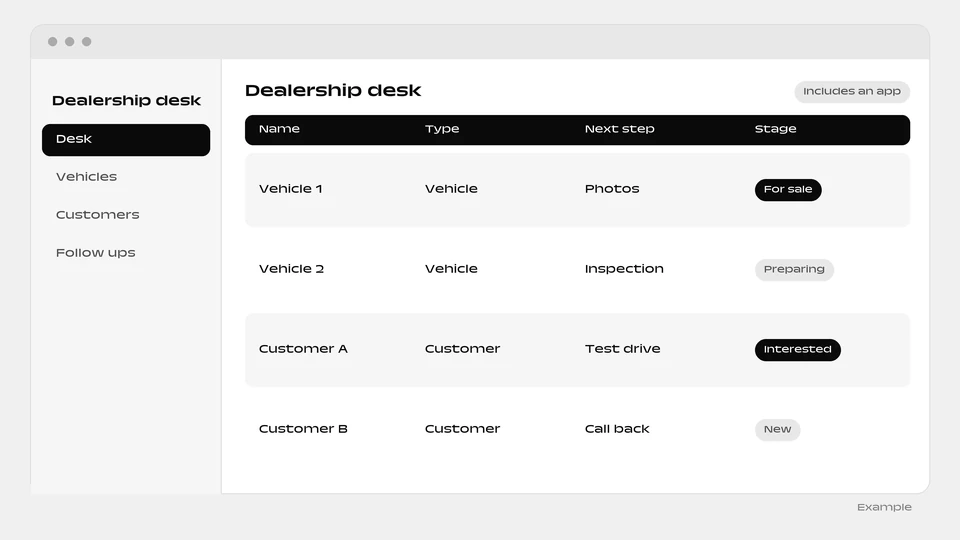
A ready-made app that tracks every listing, showing and offer through to closing.
What you can do
- Track every listing, showing and offer
- Keep each condition from slipping
- Watch contract end and notary dates
The agent that runs it
Comes with a ready-made listings and transactions app and runs it: tracks every listing, showing and offer, and keeps each condition, contract end and notary date from slipping.
How it works
- The box “Include a ready-made app” is ticked by default when you add the agent. Untick it and the agent is added without the app.
- You and your colleagues sign in to the app with your email.
- Setup runs in the background, step by step, and each step is retried up to 3 times. The app appears as a website project of the person who added the agent.
- The agent reads and writes the app’s data, and can change the app itself through the Websites & apps builder.
- The app needs a connected environment and funds in your balance. Without them, the agent is added without the app and explains why in its conversation.
- The app goes live automatically when the agent is added. You can untick the box when added.
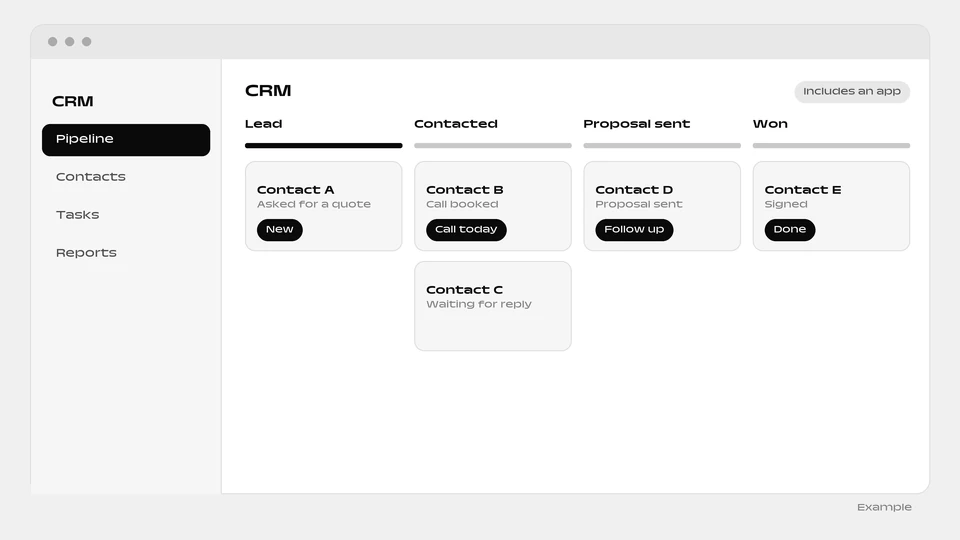
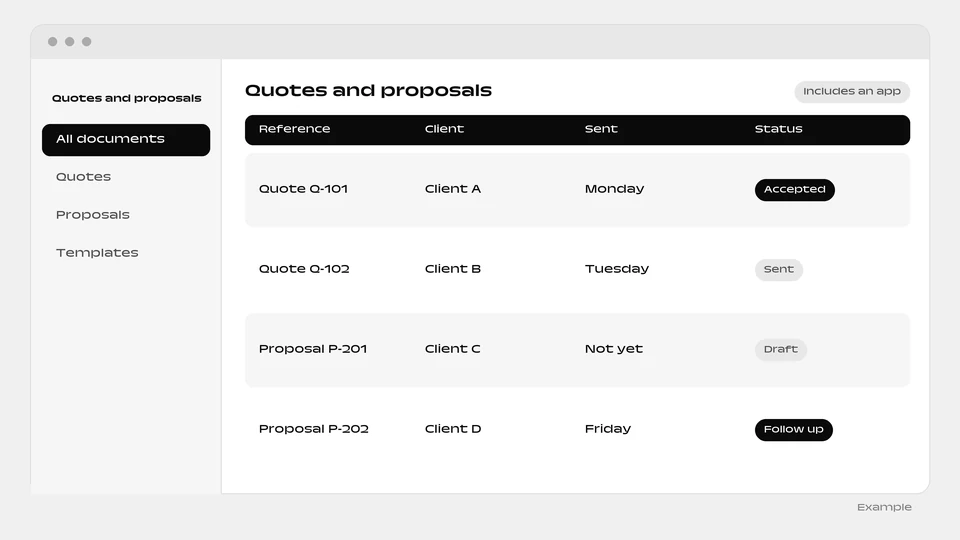
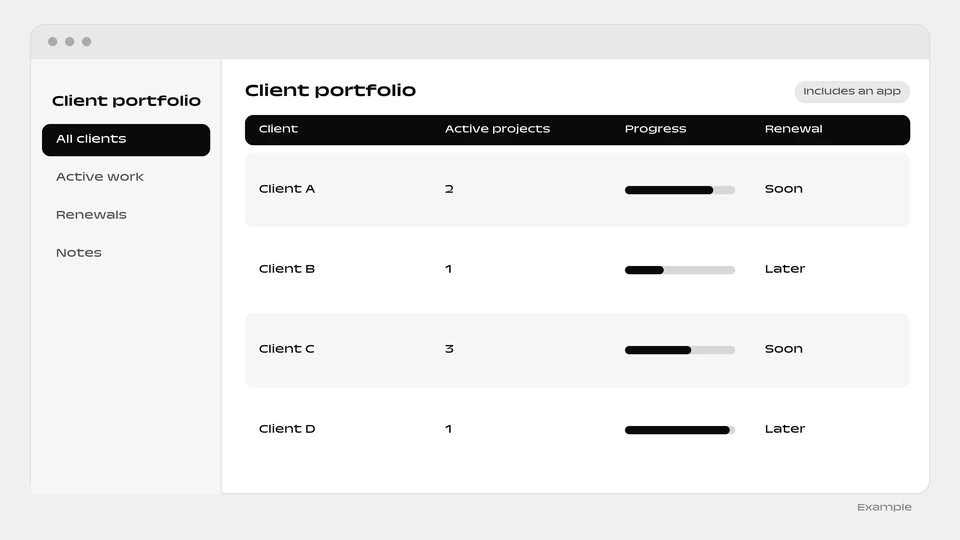
More apps: Sales and clients
Questions
Which dates does the app keep an eye on?
Each condition, contract end and notary date, so none of them slips.
Can I add the agent without the app?
Yes. Untick “Include a ready-made app” when you add the agent.
What if the app cannot be built?
The agent is added without it and explains why in its conversation. It needs a connected environment and funds in your balance.
Add the Brokerage Coordinator agent
The Listings and transactions app is included. You can untick the box when you add it to add the agent alone.
Add this agent