Add an agent, get a ready-made app
27 roles come with their own business app. When you add one, the agent sets up the app, keeps it up to date and adapts it to how you work. It takes a few minutes after adding. Available in every region: Canada, the US and the EU.
Sales and clients
-
 Includes an app
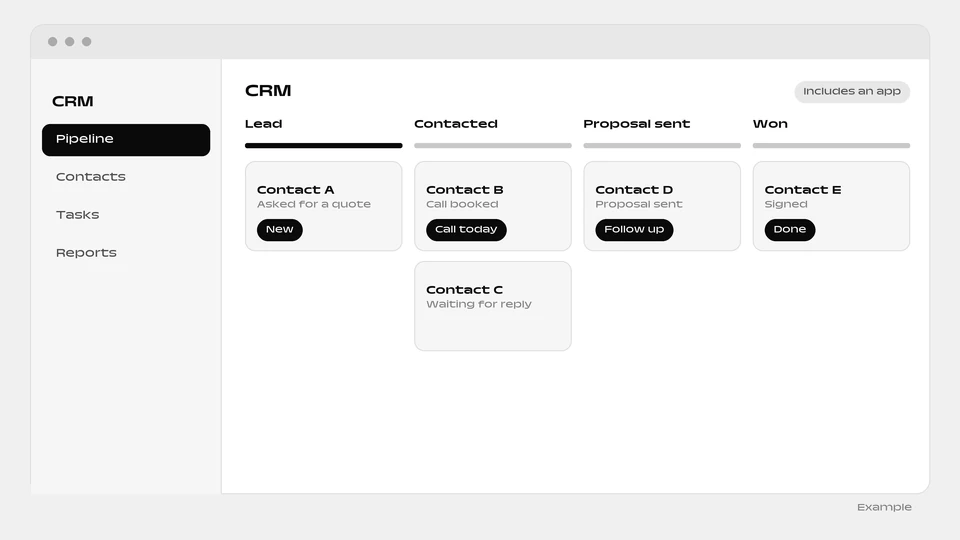
 CRM
Set up by CRM Specialist
Comes with a ready-made CRM and runs it for you: logs every call and email, keeps the pipeline current, reminds you of follow-ups, and adapts the CRM to how you work.
See the app -
 Includes an app
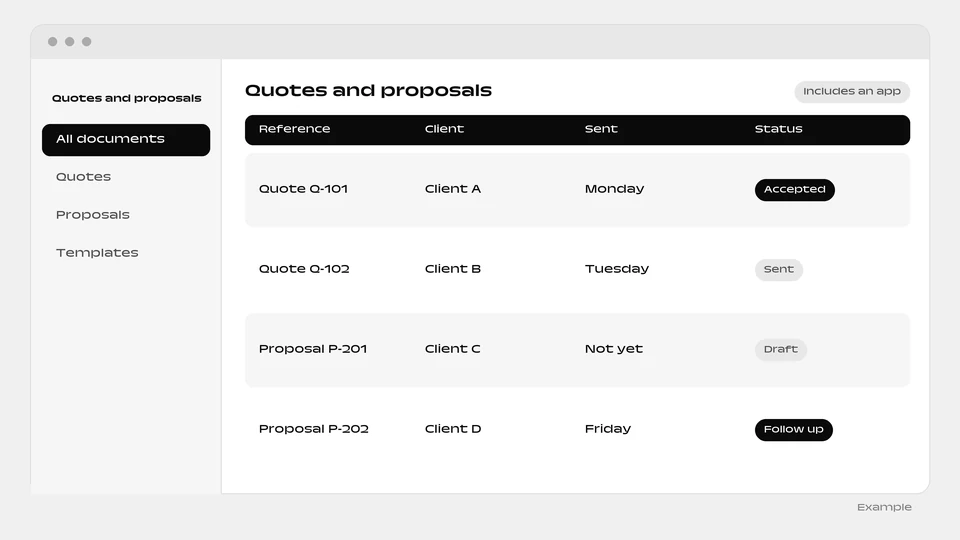
 Quotes and proposals
Set up by Proposal Writer
Comes with a ready-made quotes app and keeps it moving: priced quotes from your templates, follow-ups before they go cold, and accepted work handed off as jobs and invoices, drafted for your approval.
See the app -
 Includes an app
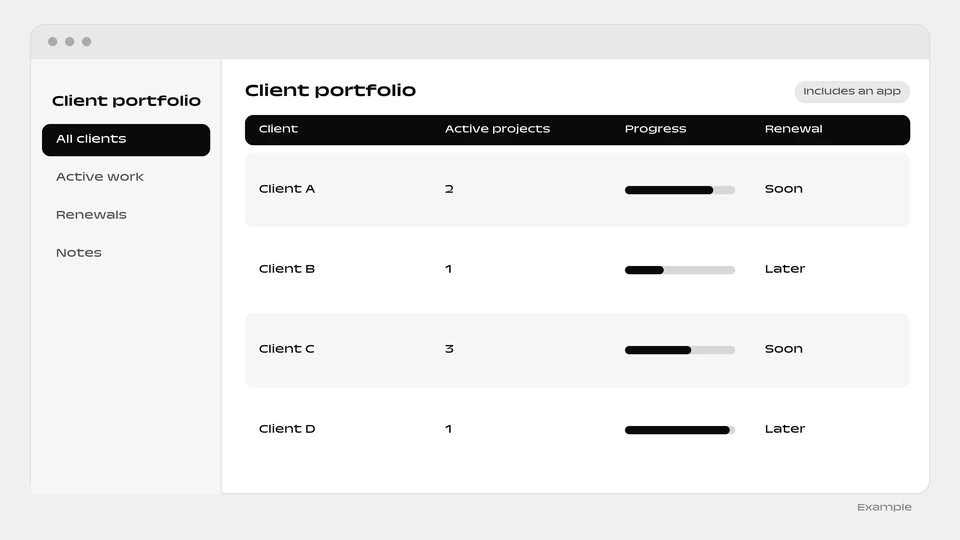
 Client portfolio
Set up by Customer Success Manager
Comes with a ready-made client portfolio and runs it for you: tracks every account's health and renewal, logs check-ins, chases follow-ups and open issues, and adapts the app to how you work.
See the app -
 Includes an app
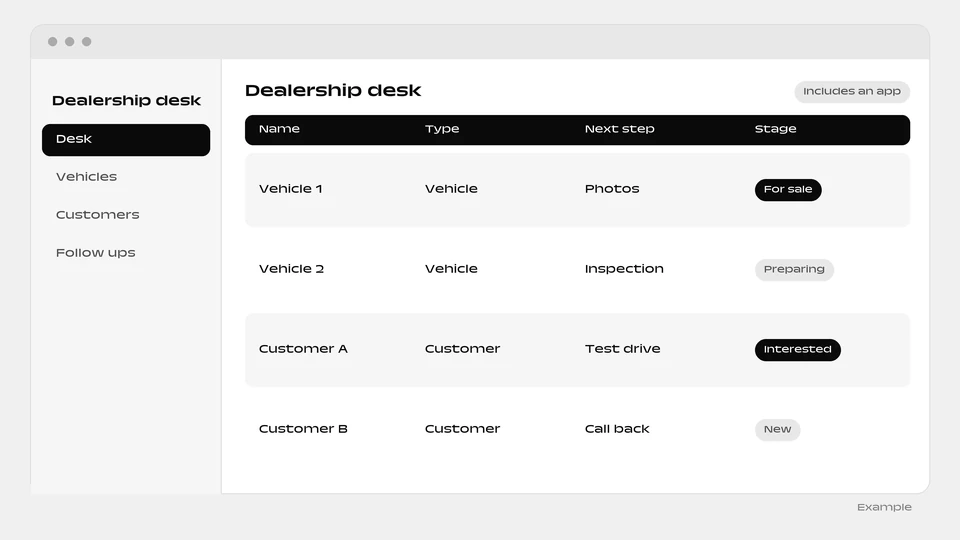
 Dealership desk
Set up by Dealership Sales Manager
Comes with a ready-made dealership desk and runs it: tracks every vehicle and its days on the lot, keeps each lead's follow-up on time, records deals with their add-ons, and ranks the sales team.
See the app -
 Includes an app
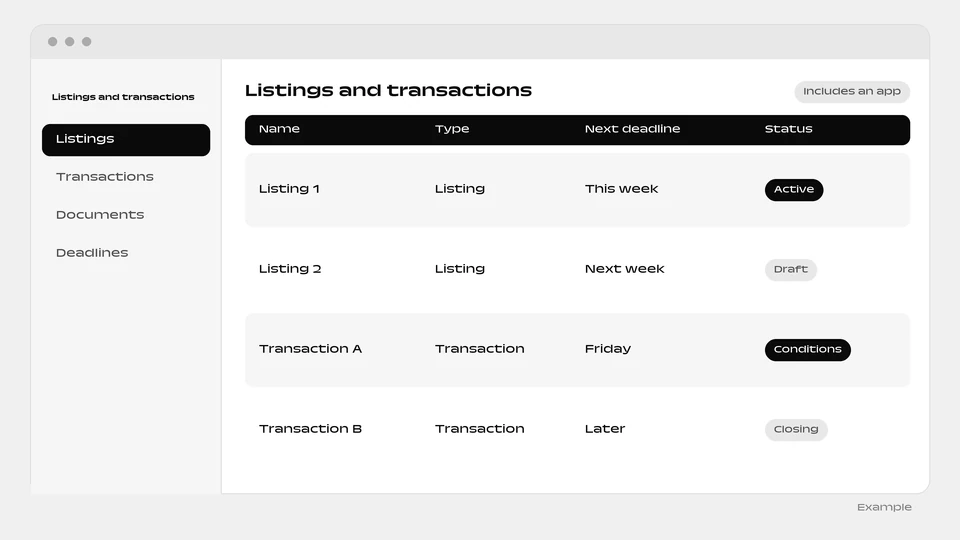
 Listings and transactions
Set up by Brokerage Coordinator
Comes with a ready-made listings and transactions app and runs it: tracks every listing, showing and offer, and keeps each condition, contract end and notary date from slipping.
See the app
Money and purchasing
-
 Includes an app
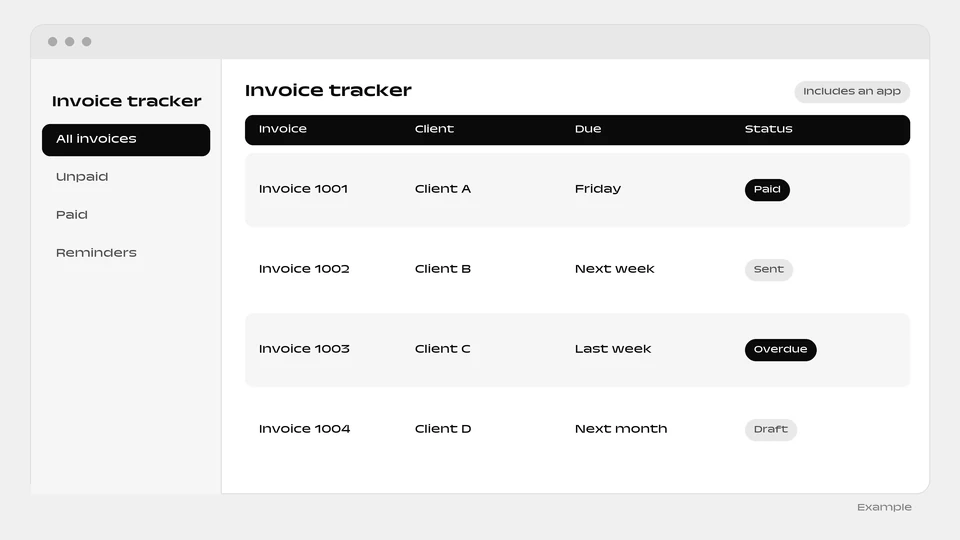
 Invoice tracker
Set up by Accounts Receivable Assistant
Comes with a ready-made invoice tracker and keeps it current: what each customer owes, who to chase today, promises to pay and payments received, with polite, firm reminders drafted for your approval.
See the app -
 Includes an app
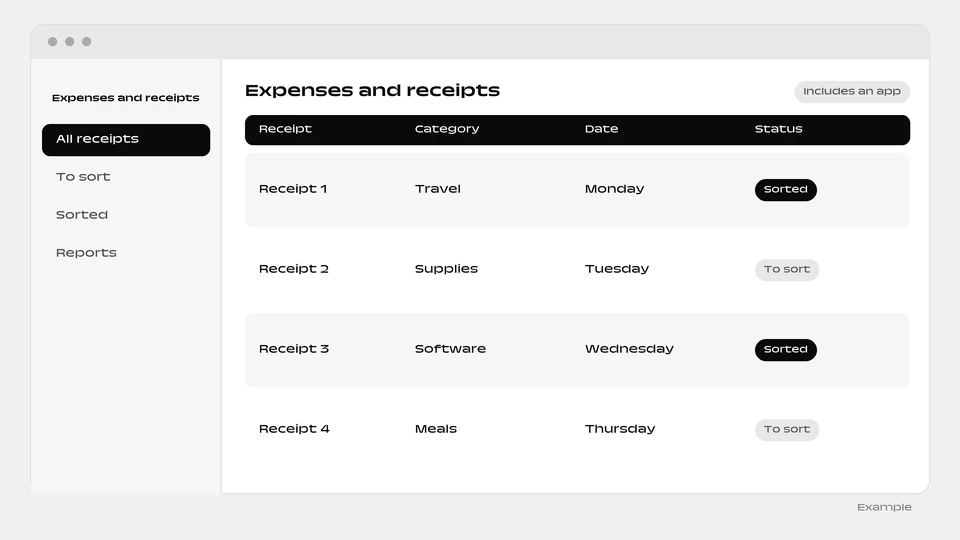
 Expenses and receipts
Set up by Bookkeeping Assistant
Comes with a ready-made expenses and receipts app and keeps it current: reads your receipts into expenses, flags policy issues, groups reimbursements and drives the month-end close to your accounting tool.
See the app -
 Includes an app
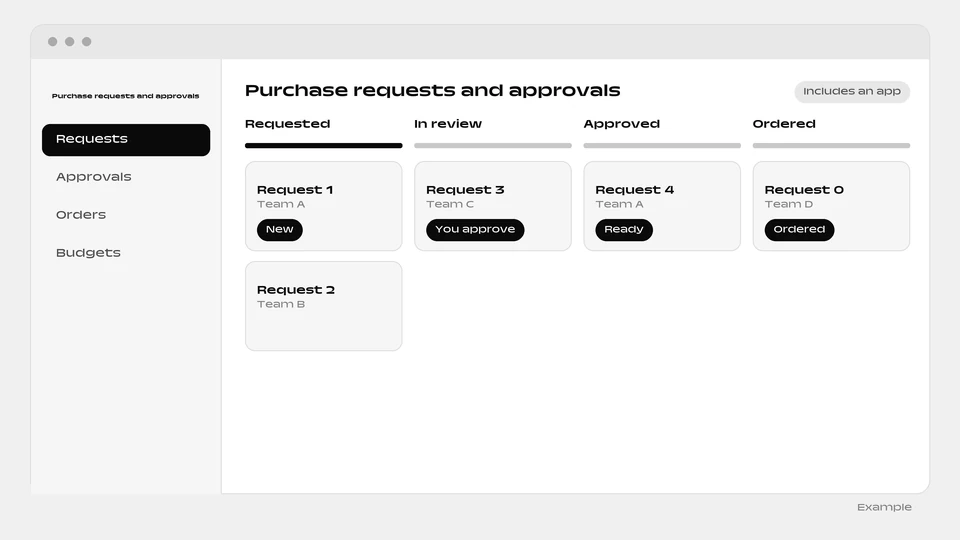
 Purchase requests and approvals
Set up by Purchasing Coordinator
Comes with a ready-made purchase request and approval app and runs it: requests routed to the right approvers, nudges when they stall, purchase orders, deliveries received and budgets watched.
See the app -
 Includes an app
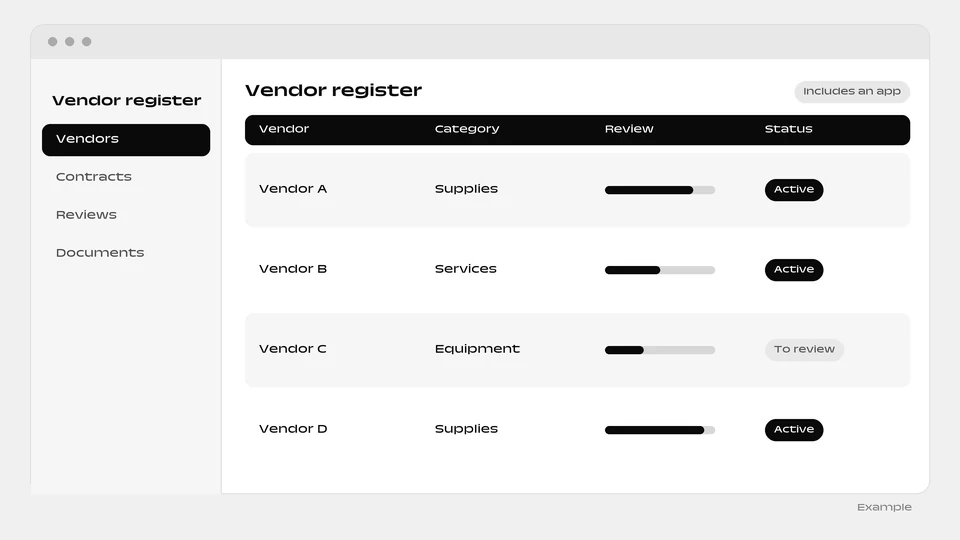
 Vendor register
Set up by Procurement & Vendor Manager
Comes with a ready-made vendor register and runs it for you: tracks every contract's notice deadline, chases expiring insurance and tax documents, logs spend by vendor, and adapts the register to how you buy.
See the app -
 Includes an app
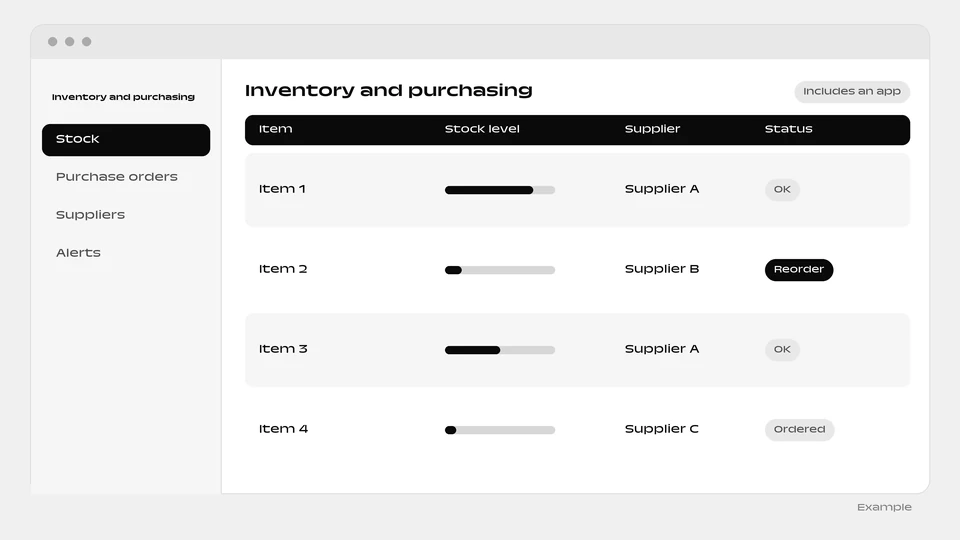
 Inventory and purchasing
Set up by Inventory & Purchasing Manager
Comes with a ready-made inventory and purchasing app and runs it for you: tracks stock against par, drafts supplier orders before each cutoff, and logs deliveries, counts and waste for any shop, café or kitchen.
See the app
People and scheduling
-
 Includes an app
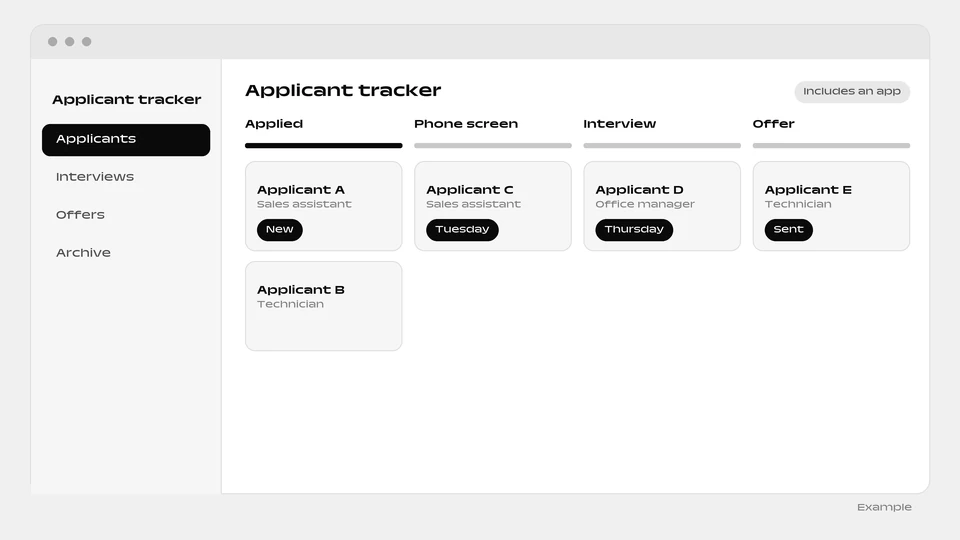
 Applicant tracker
Set up by Recruiter
Comes with a ready-made applicant tracker and runs it for you: sources and screens candidates, keeps every pipeline moving, chases missing scorecards, and adapts the tracker to how you hire.
See the app -
 Includes an app
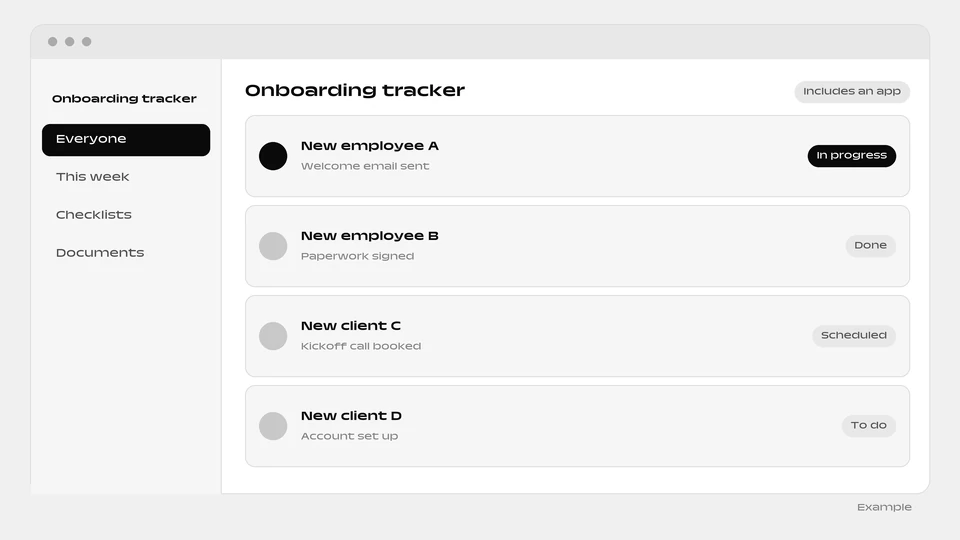
 Onboarding tracker
Set up by Onboarding Specialist
Comes with a ready-made onboarding tracker and runs it for you: plans every new hire's and new client's dated checklist, chases overdue steps and missing documents, and adapts the tracker to how you work.
See the app -
 Includes an app
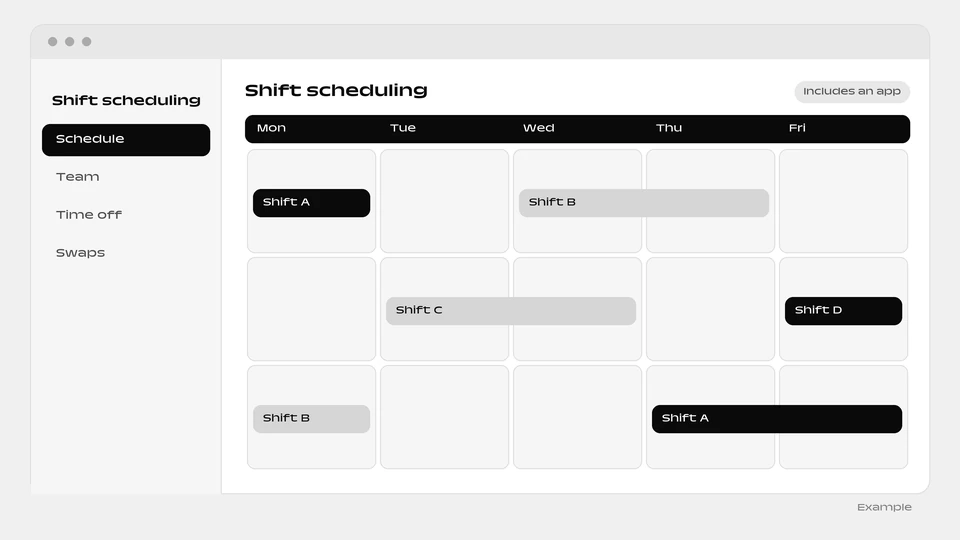
 Shift scheduling
Set up by Scheduling Coordinator
Comes with a ready-made shift scheduling app and runs it: drafts each week's schedule around availability and time off, fills open shifts, flags conflicts and overtime, and keeps labour within budget.
See the app -
 Includes an app
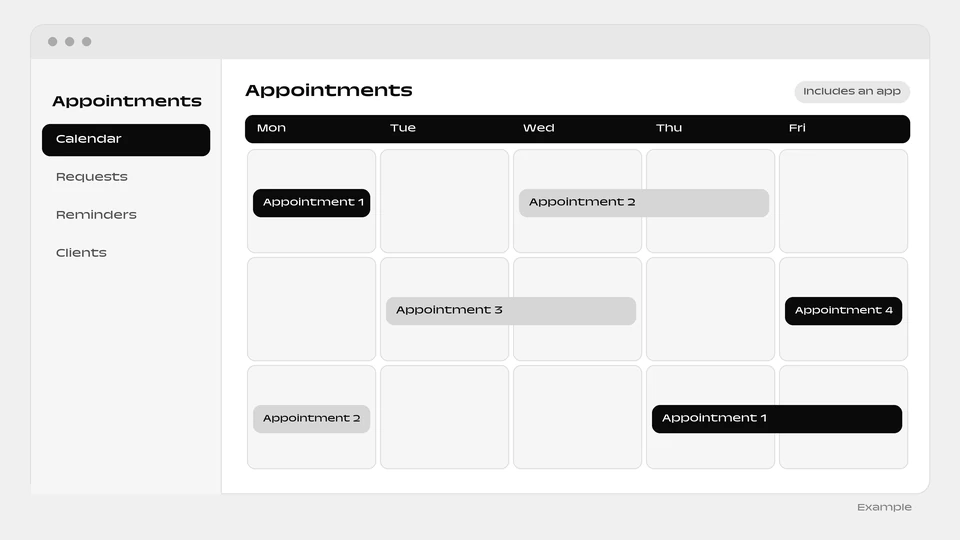
 Appointments
Set up by Booking Coordinator
Comes with a ready-made appointments app and runs your book for you: fills open slots, confirms and reminds clients (with your approval), handles reschedules, and never double-books.
See the app
Projects and operations
-
 Includes an app
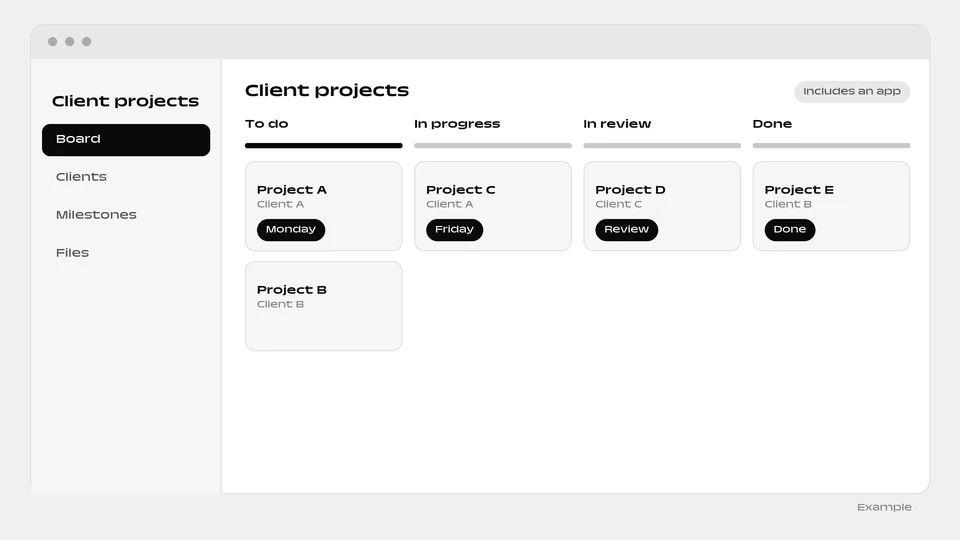
 Client projects
Set up by Client Project Manager
Comes with a ready-made client projects app and runs it for you: plans milestones and work, tracks hours against budget, chases client approvals, and writes the weekly status updates.
See the app -
 Includes an app
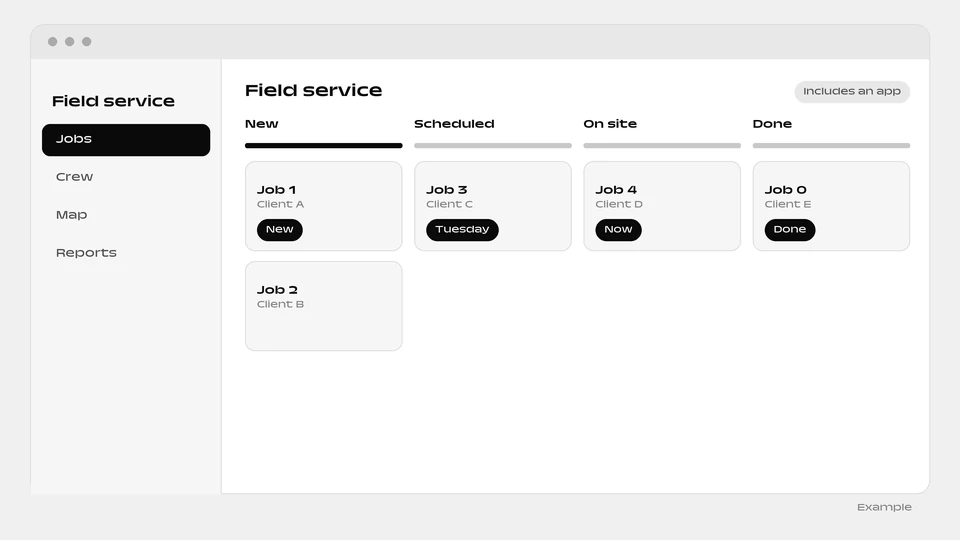
 Field service
Set up by Field Service Dispatcher
Comes with a ready-made field service app and runs it: books every call as a job, fills each technician's day, keeps reports and invoicing on track, and never lets a maintenance visit slip.
See the app -
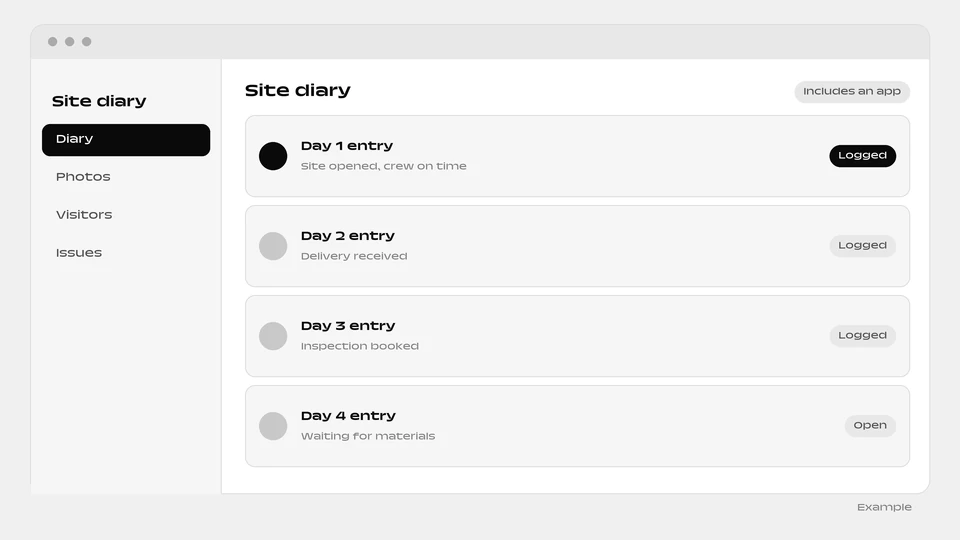 Includes an app
 Site diary
Set up by Site Coordinator
Comes with a ready-made site diary and keeps every job site on record: daily logs, change orders priced and tracked to approval, the punch list and open questions, so nothing gets lost between the site and the office.
See the app -
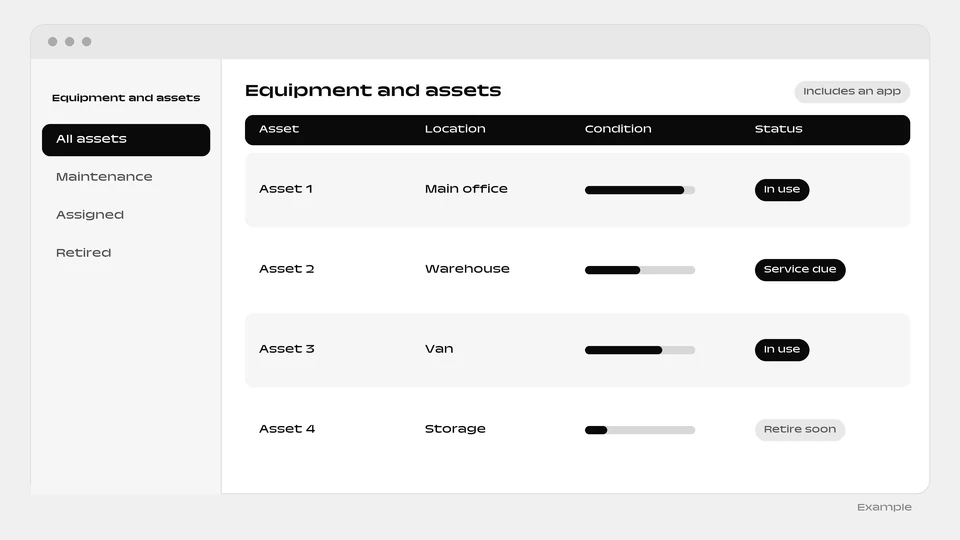 Includes an app
 Equipment and assets
Set up by Equipment & Asset Manager
Comes with a ready-made equipment register and runs it: tracks every tool, vehicle and machine, who has it, maintenance coming due by date or hours, repairs, warranties and what it is all worth.
See the app -
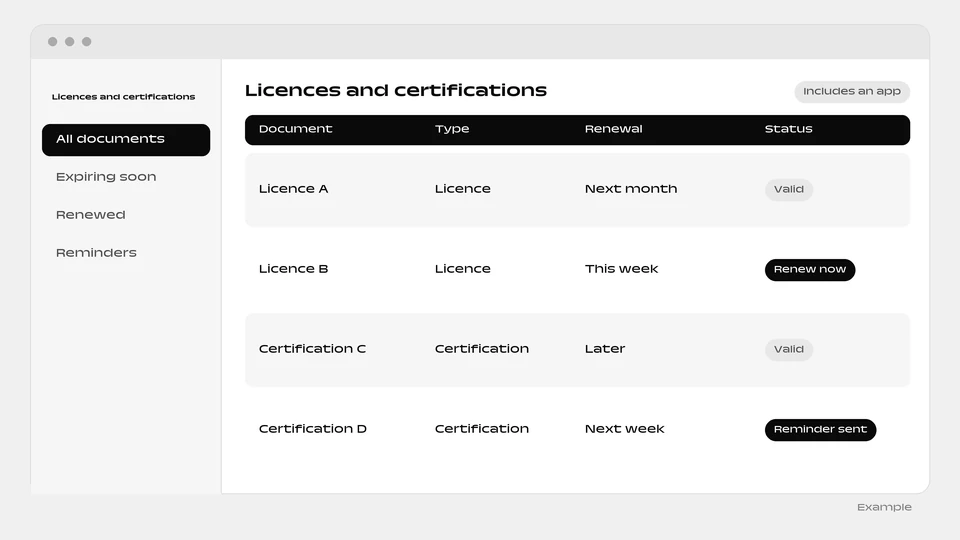 Includes an app
 Licences and certifications
Set up by Operations Coordinator
Comes with a ready-made licences and certifications app and runs it: tracks every card, licence, policy and permit, flags what expires and who is missing what their role requires, and starts renewals on time.
See the app -
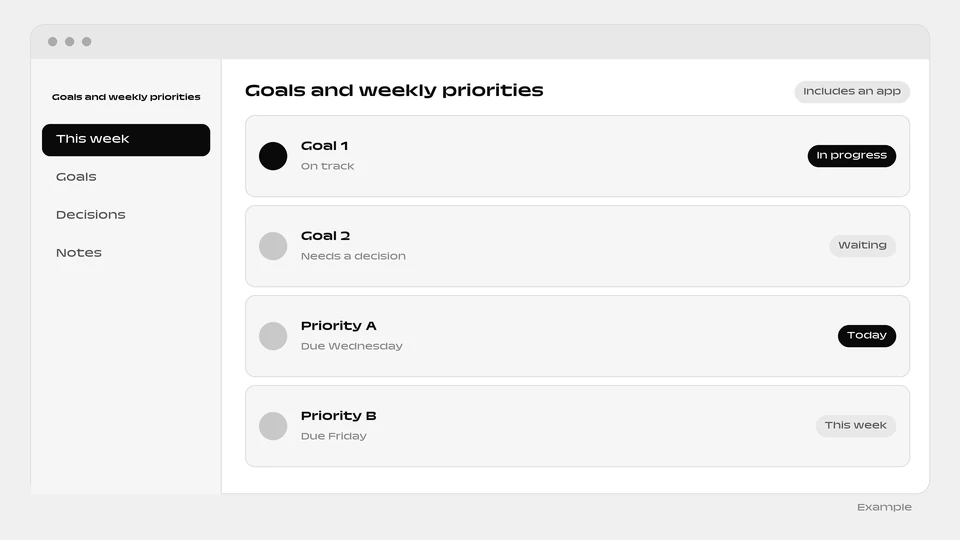 Includes an app
 Goals and weekly priorities
Set up by Chief of Staff
Comes with a ready-made goals and weekly priorities app and runs the cadence: quarterly objectives and key results, weekly check-ins, blockers chased, decisions logged and a Monday briefing.
See the app
Property, events and hospitality
-
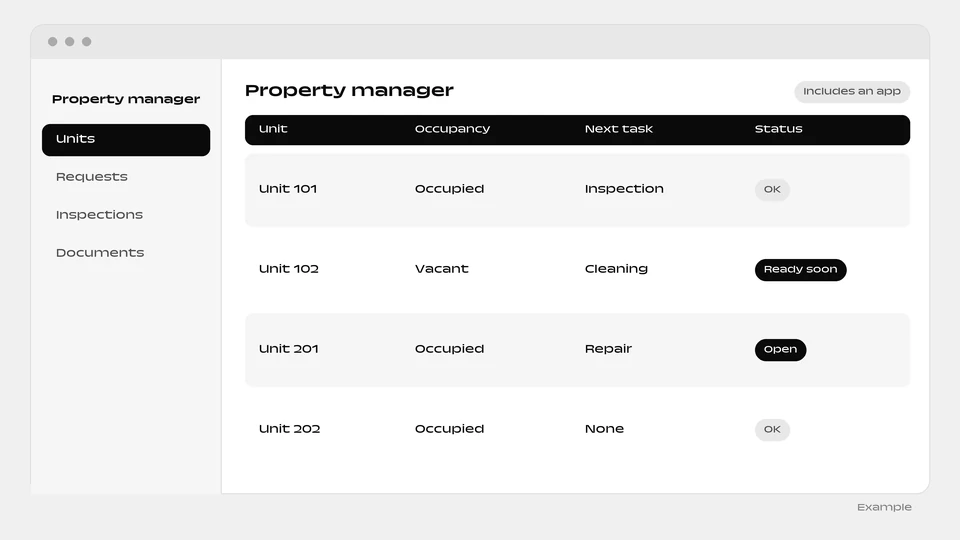 Includes an app
 Property manager
Set up by Property Manager
Comes with a ready-made property manager app and runs it for you: tracks rent and arrears, logs repairs with contractors, and flags lease renewal deadlines before they pass.
See the app -
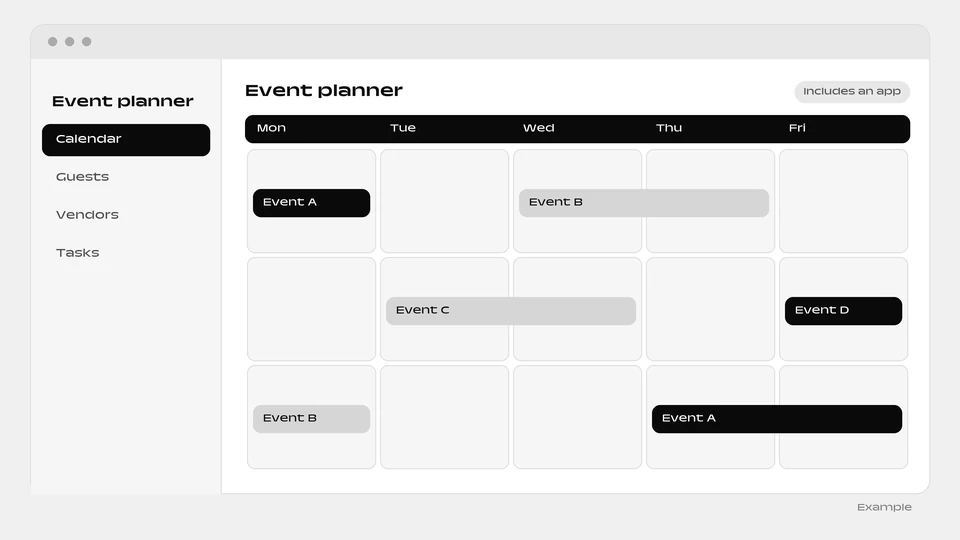 Includes an app
 Event planner
Set up by Event Coordinator
Comes with a ready-made event planner and runs your events with you: guest lists and RSVPs, vendors and payments, budget, run of show and checklists, then check-in at the door.
See the app -
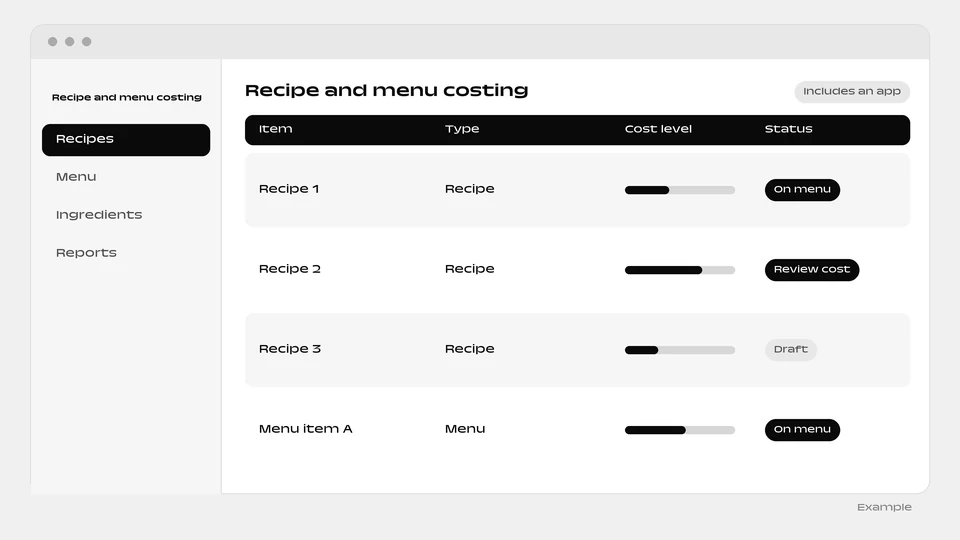 Includes an app
 Recipe and menu costing
Set up by Kitchen Manager
Comes with a ready-made recipe and menu costing app and keeps it current: supplier prices, costed recipes and food cost % per dish, with a heads-up when a price rise hurts your margin.
See the app -
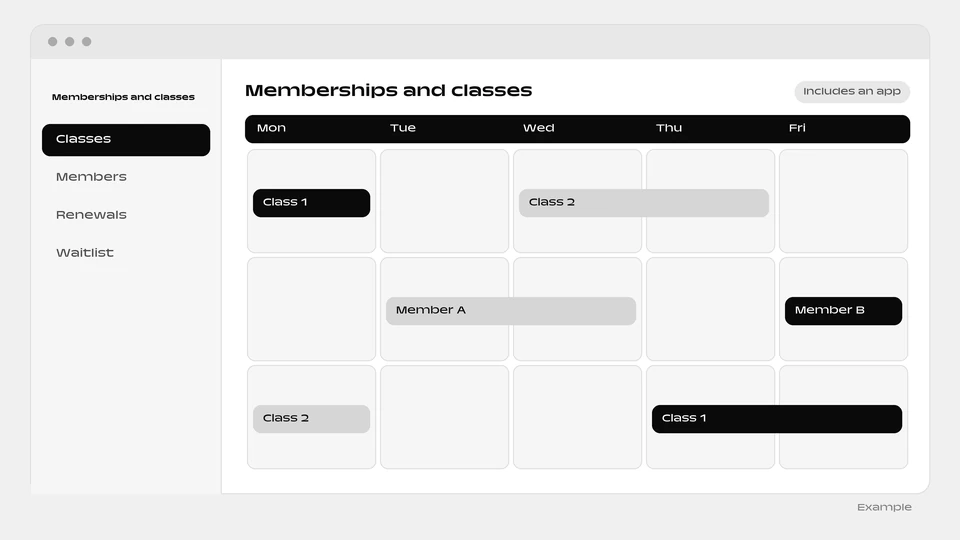 Includes an app
 Memberships and classes
Set up by Membership Coordinator
Comes with a ready-made memberships and classes app and runs it: keeps the schedule and rosters full, tracks renewals and balances owed, and spots members who stopped coming before they quit.
See the app
Marketing, support and fundraising
-
 Includes an app
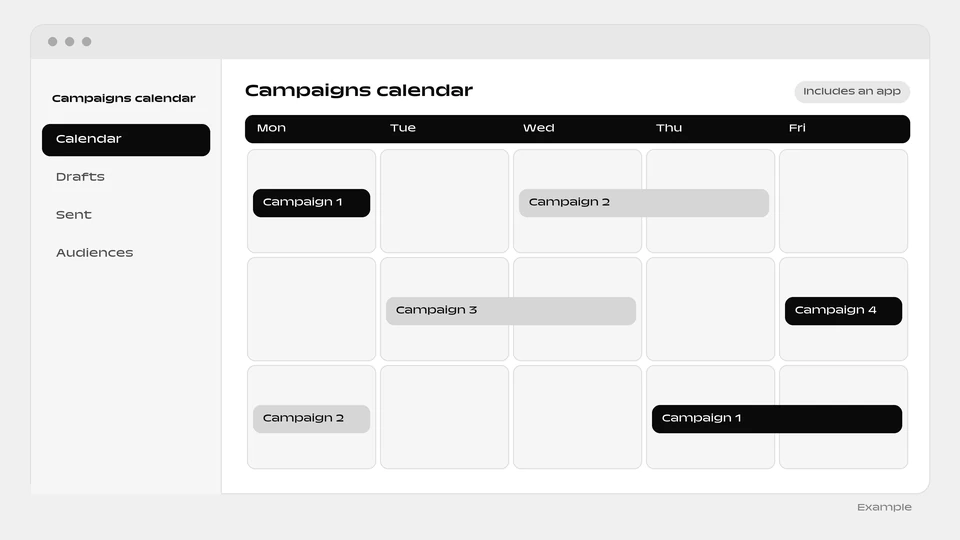
 Campaigns calendar
Set up by Email Marketing Specialist
Comes with a ready-made campaigns calendar and keeps it full: emails, posts, SMS and in-store promos planned around key dates, drafted for your approval, gaps flagged and results tracked.
See the app -
 Includes an app
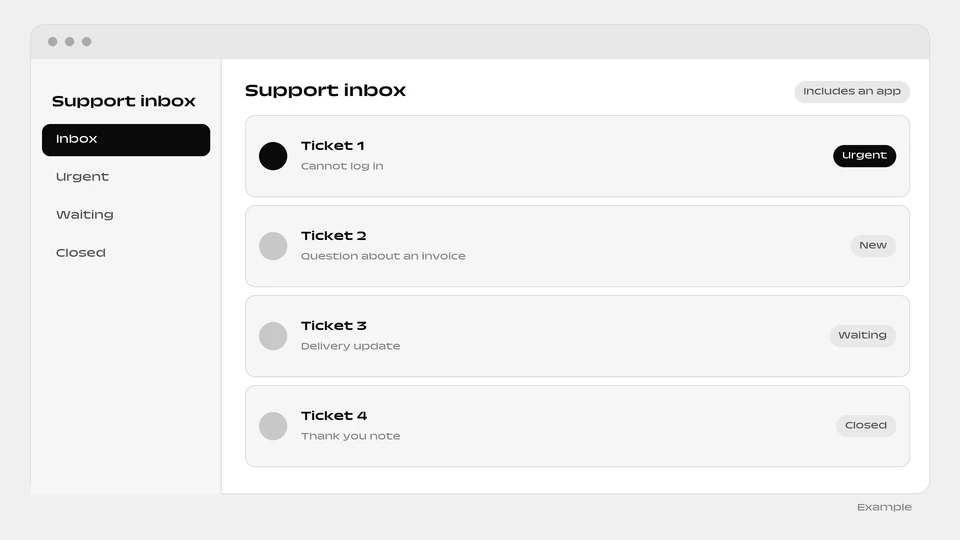
 Support inbox
Set up by Support Triage Specialist
Comes with a ready-made support inbox and runs it: every customer question tracked to resolution, replies drafted for your approval, nothing overdue or forgotten.
See the app -
 Includes an app
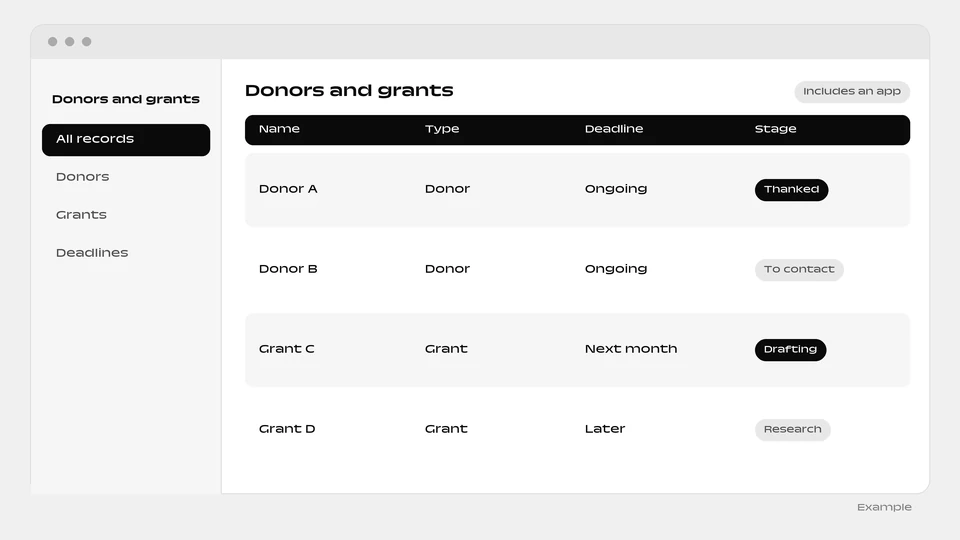
 Donors and grants
Set up by Grant Writer
Comes with a ready-made donor and grant tracker and keeps it current: gifts, thank-yous owed, tax receipts to issue, pledges and grant deadlines, with applications and letters drafted for your approval.
See the app
How it works
- The box “Include a ready-made app” is ticked by default when you add the agent. Untick it and the agent is added without the app.
- You and your colleagues sign in to the app with your email.
- Setup runs in the background, step by step, and each step is retried up to 3 times. The app appears as a website project of the person who added the agent.
- The agent reads and writes the app’s data, and can change the app itself through the Websites & apps builder.
- The app needs a connected environment and funds in your balance. Without them, the agent is added without the app and explains why in its conversation.
- The app goes live automatically when the agent is added. You can untick the box when added.
Questions
Can I add the agent without the app?
Yes. Untick “Include a ready-made app” when you add the agent.
What if the app cannot be built?
The agent is added without it and explains why in its conversation. It needs a connected environment and funds in your balance.
