Equipment and assets
Comes with the Equipment & Asset Manager agent. When you add it, the agent sets up this app in a few minutes, keeps it up to date and adapts it to how you work.
Available in every region: Canada, the US and the EU.
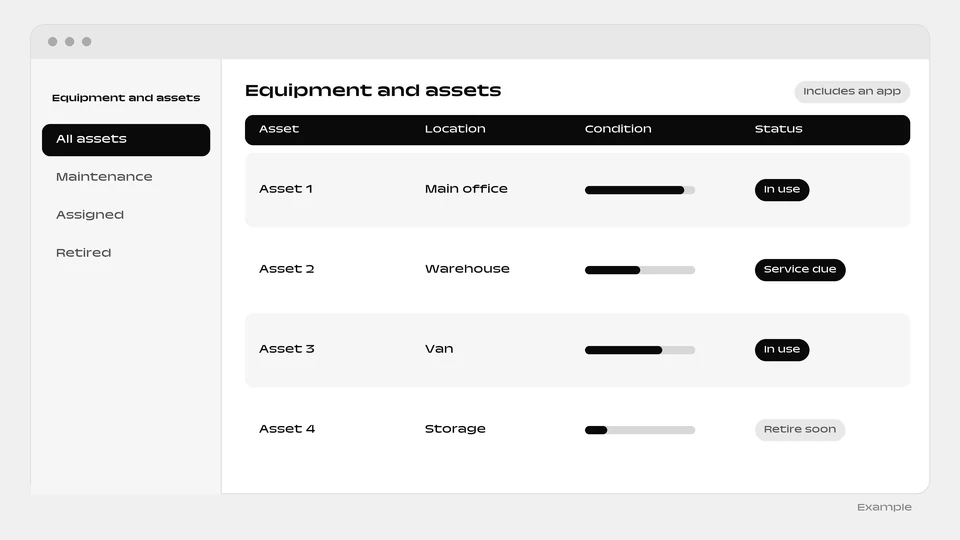
A ready-made register of your tools, vehicles and machines.
What you can do
- Track who has each item
- Track maintenance by date or hours
- Track repairs, warranties and value
The agent that runs it
Comes with a ready-made equipment register and runs it: tracks every tool, vehicle and machine, who has it, maintenance coming due by date or hours, repairs, warranties and what it is all worth.
How it works
- The box “Include a ready-made app” is ticked by default when you add the agent. Untick it and the agent is added without the app.
- You and your colleagues sign in to the app with your email.
- Setup runs in the background, step by step, and each step is retried up to 3 times. The app appears as a website project of the person who added the agent.
- The agent reads and writes the app’s data, and can change the app itself through the Websites & apps builder.
- The app needs a connected environment and funds in your balance. Without them, the agent is added without the app and explains why in its conversation.
- The app goes live automatically when the agent is added. You can untick the box when added.
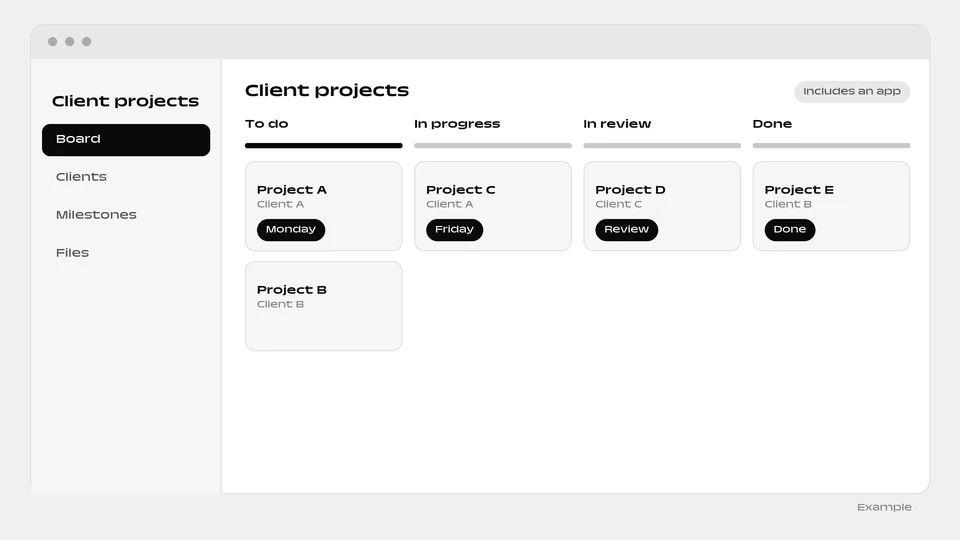
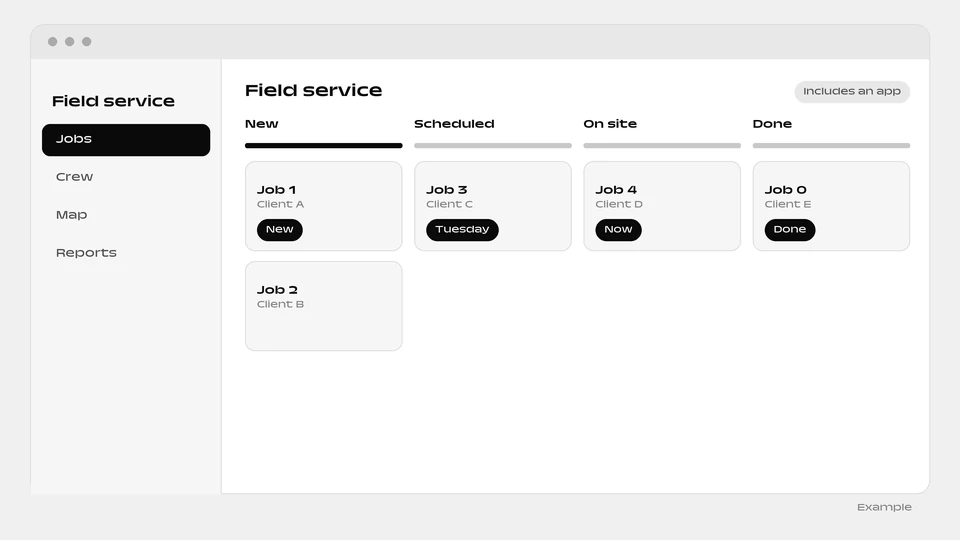
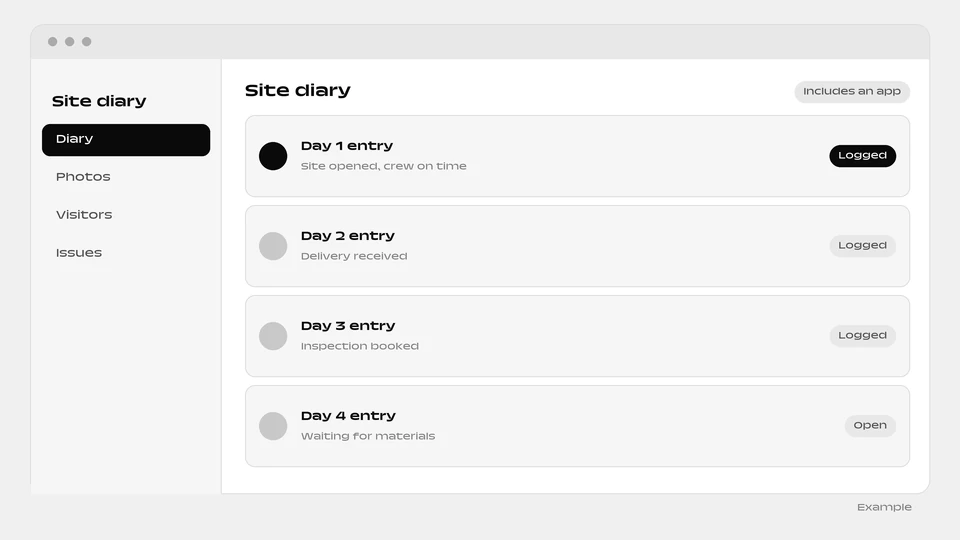
More apps: Projects and operations
Questions
Can maintenance be tracked by hours, not only by date?
Yes. Maintenance can come due by date or by hours.
Can I add the agent without the app?
Yes. Untick “Include a ready-made app” when you add the agent.
What if the app cannot be built?
The agent is added without it and explains why in its conversation. It needs a connected environment and funds in your balance.
Add the Equipment & Asset Manager agent
The Equipment and assets app is included. You can untick the box when you add it to add the agent alone.
Add this agent