Client projects
Comes with the Client Project Manager agent. When you add it, the agent sets up this app in a few minutes, keeps it up to date and adapts it to how you work.
Available in every region: Canada, the US and the EU.
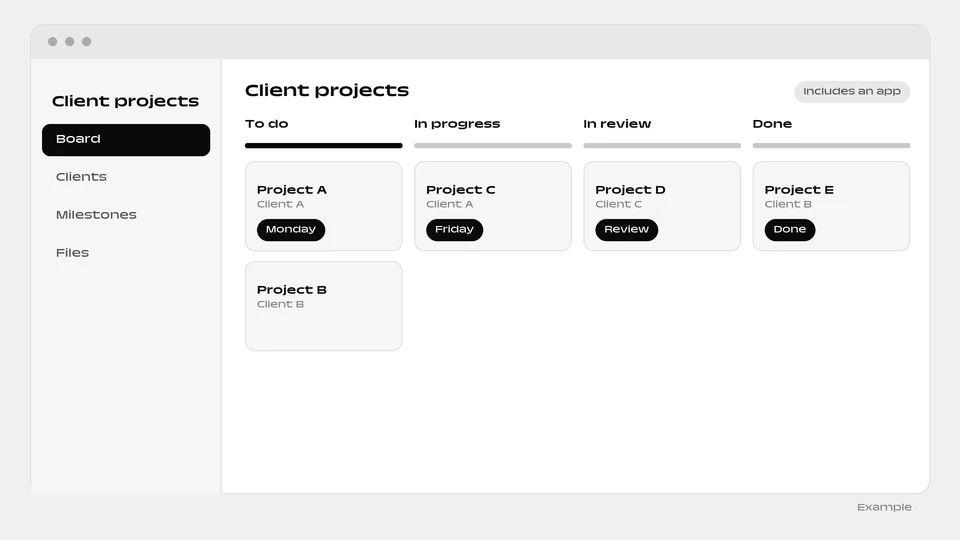
A ready-made app that follows each client project from plan to delivery.
What you can do
- Plan milestones and work
- Track hours against budget
- Chase client approvals and write the weekly status update
The agent that runs it
Comes with a ready-made client projects app and runs it for you: plans milestones and work, tracks hours against budget, chases client approvals, and writes the weekly status updates.
What the agent brings
- Status report: Use for the recurring project status update or when asked "where are we".
How it works
- The box “Include a ready-made app” is ticked by default when you add the agent. Untick it and the agent is added without the app.
- You and your colleagues sign in to the app with your email.
- Setup runs in the background, step by step, and each step is retried up to 3 times. The app appears as a website project of the person who added the agent.
- The agent reads and writes the app’s data, and can change the app itself through the Websites & apps builder.
- The app needs a connected environment and funds in your balance. Without them, the agent is added without the app and explains why in its conversation.
- The app goes live automatically when the agent is added. You can untick the box when added.
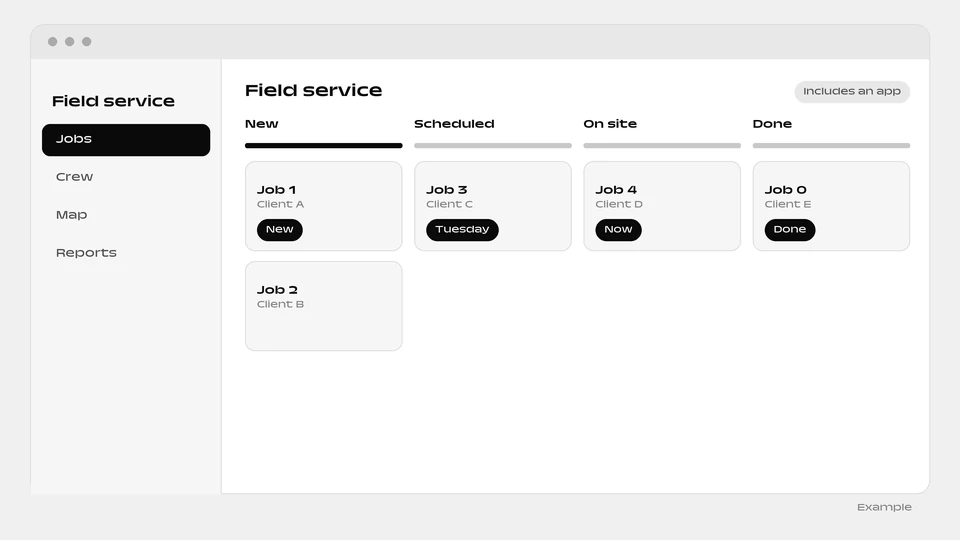
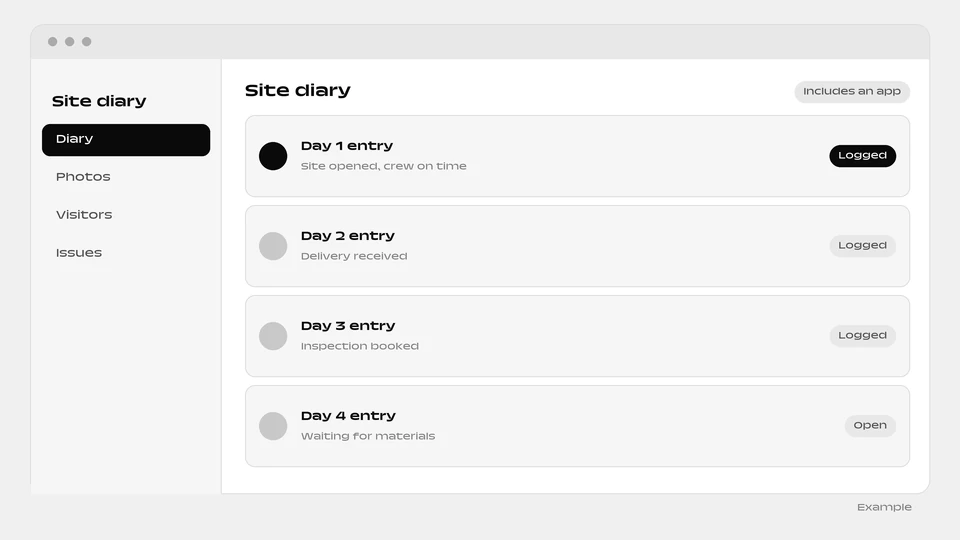
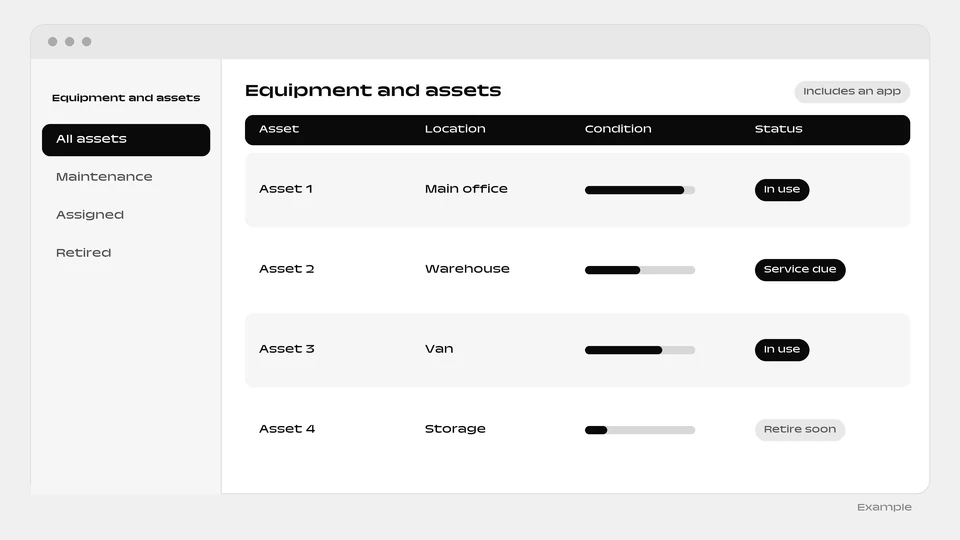
More apps: Projects and operations
Questions
Will the status update hide bad news?
No. It is written to report at risk as at risk.
Can I add the agent without the app?
Yes. Untick “Include a ready-made app” when you add the agent.
What if the app cannot be built?
The agent is added without it and explains why in its conversation. It needs a connected environment and funds in your balance.
Add the Client Project Manager agent
The Client projects app is included. You can untick the box when you add it to add the agent alone.
Add this agent