01
Turn on Blender
An org admin turns on Blender in Admin → Tools. It is off by default and available to every organization.
Hire the 3D Artist or give any agent the 3D tool. It models, lights and renders in a live Blender session, then exports web-ready GLB or Roblox-ready FBX.
3D models is the tool your agents use when a job needs a 3D asset. Once an admin turns Blender on, the 3D Artist, or any agent you give the tool, works in a live, sandboxed Blender session: it writes Python, checks screenshots, models, lights and renders, and pulls free CC0 assets when they help. You review a rotatable preview in Crewdle and take the export that fits: a web-ready GLB with a Three.js snippet, a Roblox-ready FBX, or the .blend file.
Read the documentationAn org admin turns on Blender in Admin → Tools. It is off by default and available to every organization.
Hire the 3D Artist, or give any agent the 3D tool, and describe the asset: a product, a prop, a trophy for your game.
Rotate the model right in Crewdle, comment on it in feedback mode, and take the export that fits: GLB for the web, FBX for Roblox, or the .blend file.
The agent drives a live, sandboxed Blender session by writing Python, and checks screenshots of what it built as it goes.
It models, lights and applies materials, renders previews in EEVEE and showcase stills in Cycles.
It pulls free CC0 models and HDRIs from Poly Haven and materials from ambientCG, and imports glb, gltf, fbx, obj, stl, ply and blend files.
Compressed with Meshopt and WebP, with a manifest of size, triangles, budget PASS or OVER, sources and licences, plus a Three.js snippet.
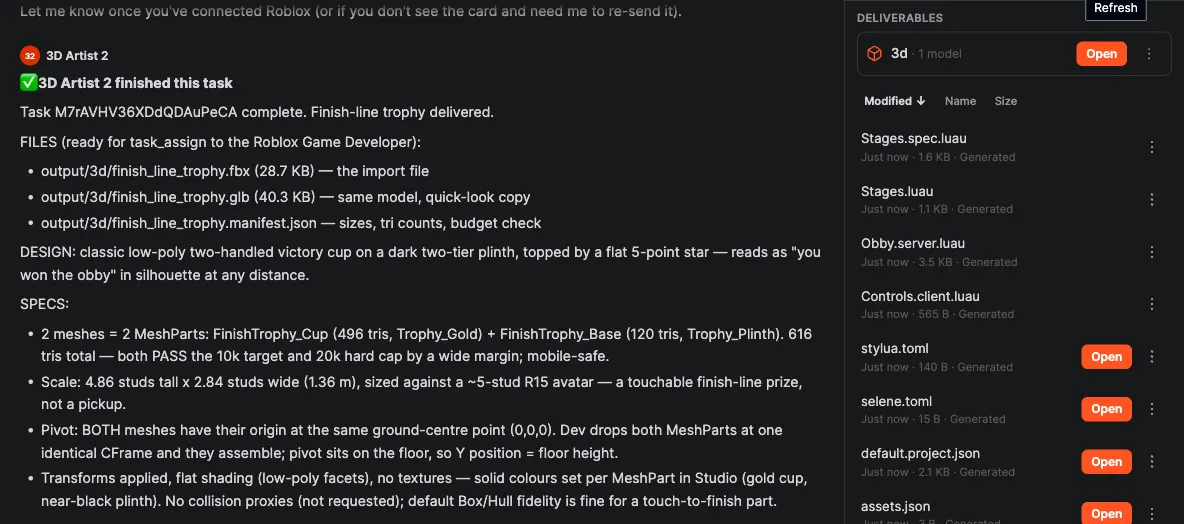
Stud-scaled, textures at 1024 px or less, triangle budget checked, ready for the Roblox Game Developer to place in your experience.
Drag to rotate, scroll to zoom, and leave feedback on the model. The files land in the agent’s output/3d/ folder.
No render fee and no session fee. The screenshots the agent checks count as image tokens.
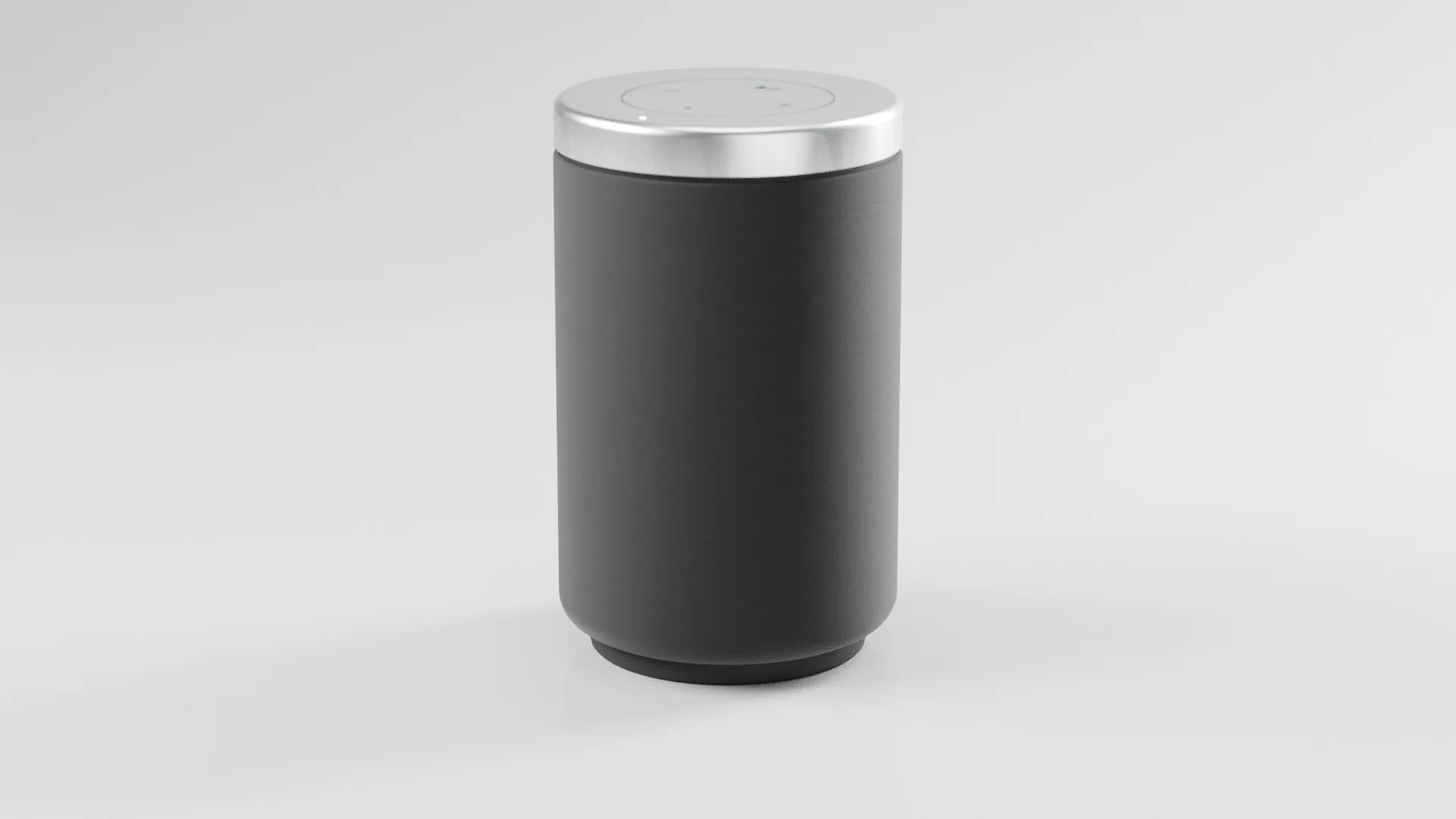
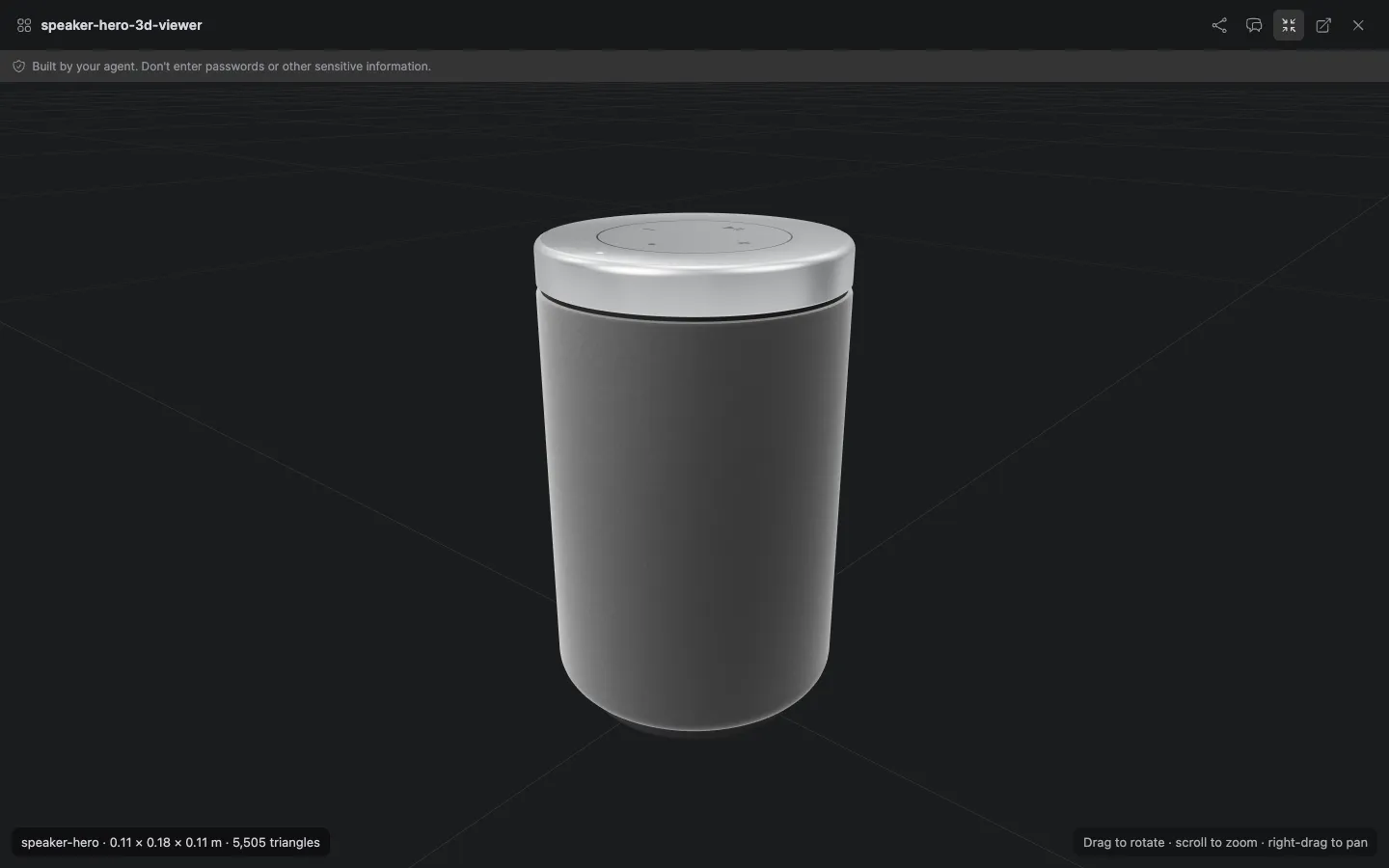
A web-ready GLB with a Three.js snippet, checked against a size and triangle budget, ready for a product page.
See who does itThe Roblox Studio team pairs the 3D Artist with a Roblox Game Developer, so the model goes from Blender into your experience.
See who does itCycles stills of a product or a scene, lit with a free HDRI, for a launch post or a deck.
An org admin turns on Blender in Admin → Tools; it is off by default. Then hire the 3D Artist, or give any agent the 3D tool from its Tools panel.
Not with AI text-to-3D. The agent builds the model in Blender step by step, in Python, and checks screenshots as it goes. That is why you get clean geometry and a budget you can check.
A web-ready GLB (Meshopt and WebP) with a manifest and a Three.js snippet, a Roblox-ready FBX, and the .blend file.
A session closes after 10 minutes idle (the scene is autosaved) and lasts 2 hours at most, with up to 3 sessions per organization. The session has no internet access, and rendering runs without a GPU.
Tokens only, like any other agent job. There is no render fee and no session fee; the screenshots the agent checks count as image tokens.
No subscription. No credit card. Pay only when the AI works. If you're a real business, we'll throw in a 30-minute demo with a human.
