Time & profit
Comes with the Client Profit Check agent. When you add it, the agent sets up this app in a few minutes, keeps it up to date and adapts it to how you work.
Available in every region: Canada, the US and the EU.
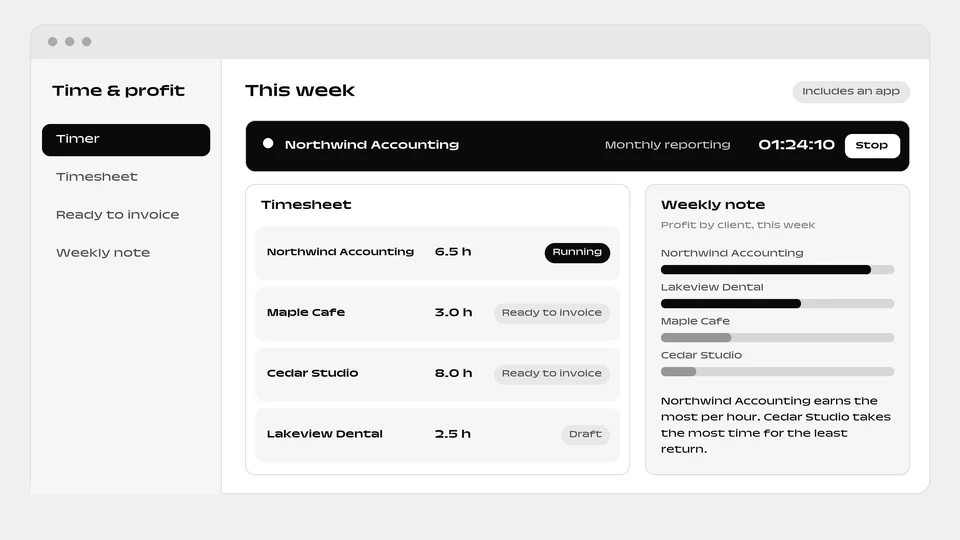
A ready-made time tracker that shows which clients actually make you money.
What you can do
- Run timers and timesheets for your team
- Get hours ready to invoice
- Read a weekly note on which clients make you money
The agent that runs it
Comes with a ready-made time and profit app and runs it: timers and timesheets for your team, invoice-ready hours, and a plain-language note each week on which clients actually make you money.
How it works
- The box “Include a ready-made app” is ticked by default when you add the agent. Untick it and the agent is added without the app.
- You and your colleagues sign in to the app with your email.
- Setup runs in the background, step by step, and each step is retried up to 3 times. The app appears as a website project of the person who added the agent.
- The agent reads and writes the app’s data, and can change the app itself through the Websites & apps builder.
- The app needs a connected environment and funds in your balance. Without them, the agent is added without the app and explains why in its conversation.
- The app goes live automatically when the agent is added. You can untick the box when added.
More apps: Money and purchasing
-
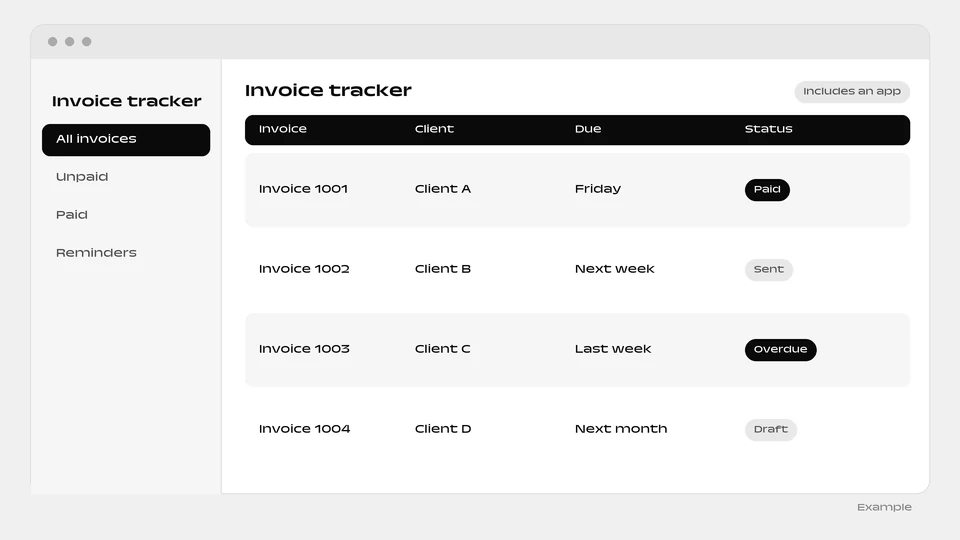 Invoice tracker Set up by Accounts Receivable Assistant
-
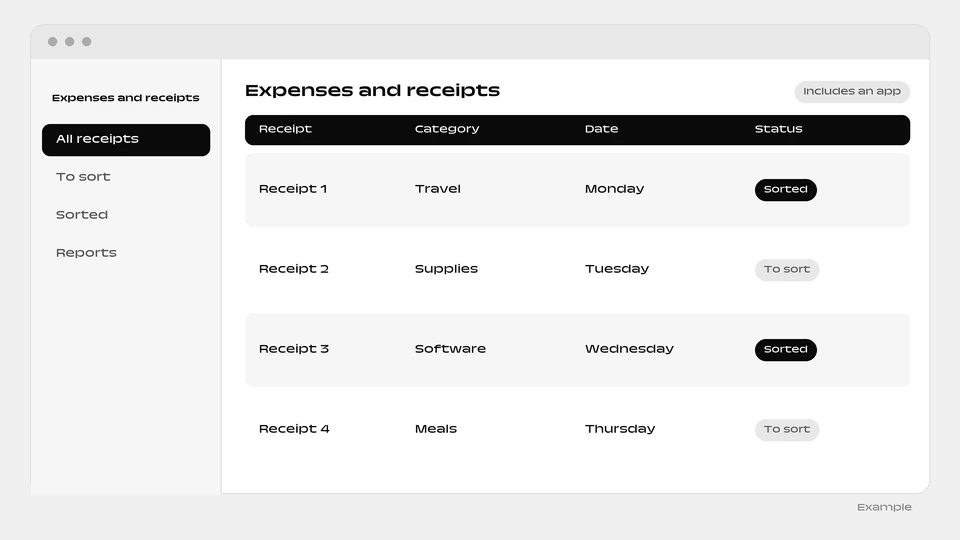 Expenses and receipts Set up by Bookkeeping Assistant
-
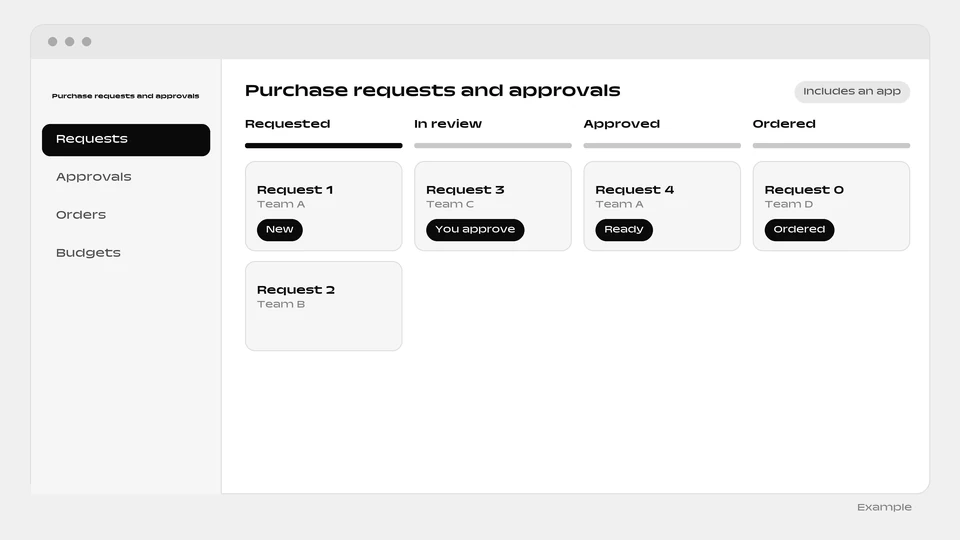 Purchase requests and approvals Set up by Purchasing Coordinator
-
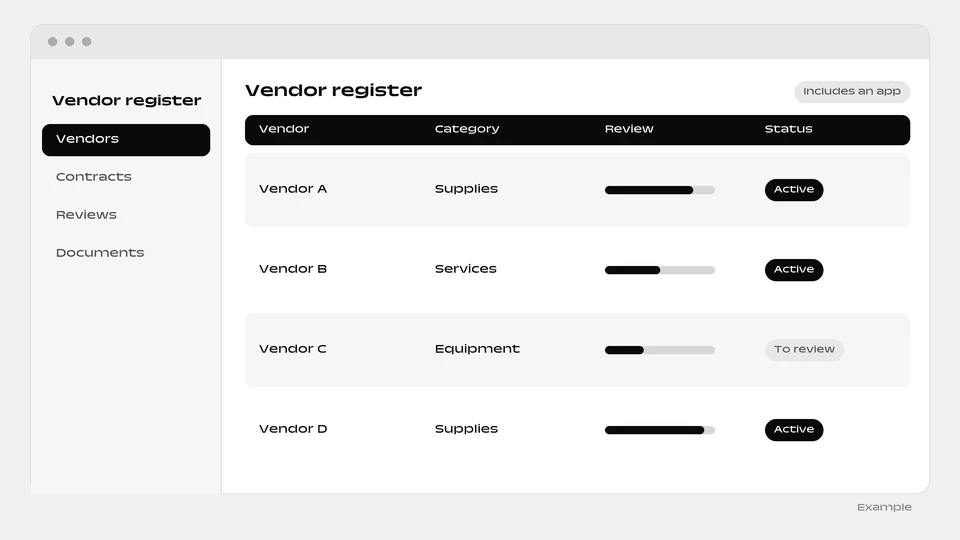 Vendor register Set up by Procurement & Vendor Manager
-
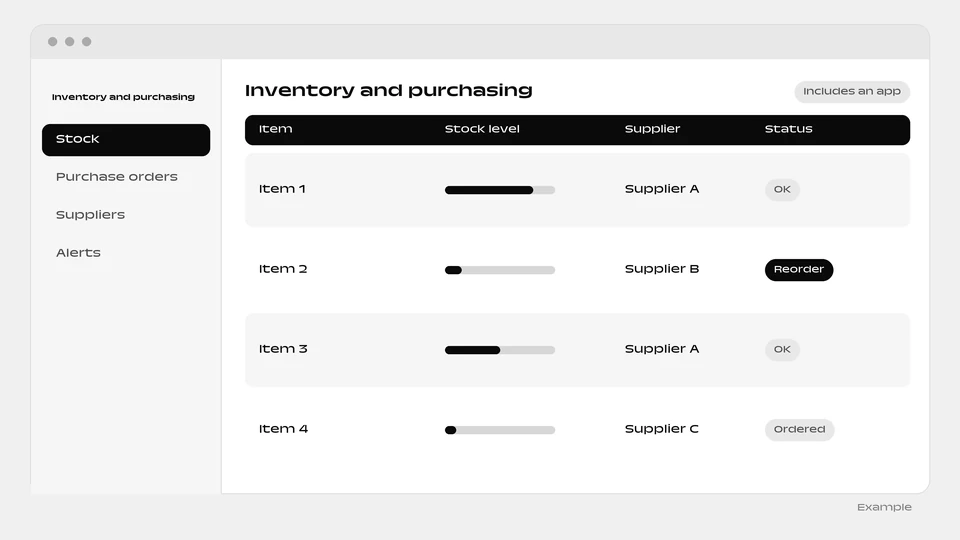 Inventory and purchasing Set up by Inventory & Purchasing Manager
-
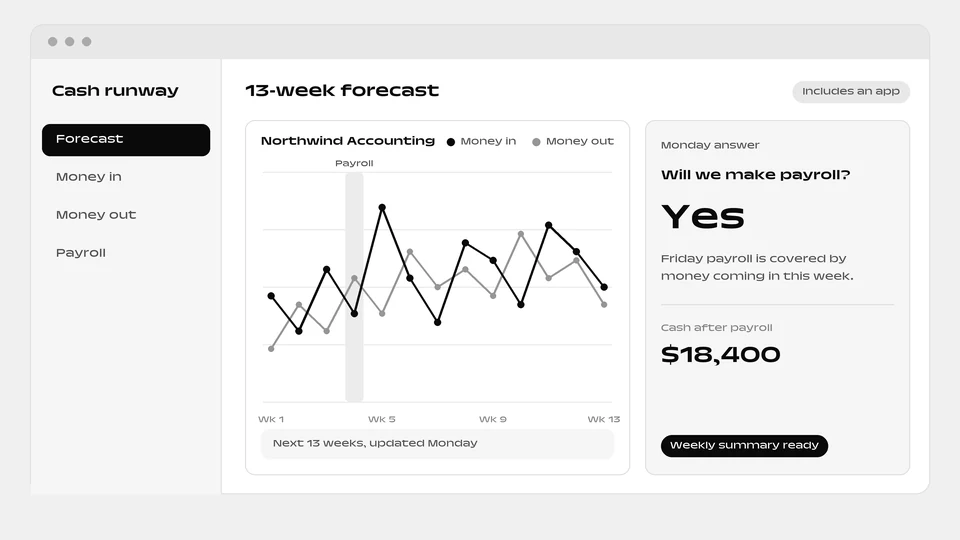 Cash runway Set up by Financial Analyst
Questions
What do I get each week?
A plain-language note on which clients actually make you money.
Is the Time & profit app optional when I add the Client Profit Check?
Yes. The Client Profit Check comes with the Time & profit app by default, and one box decides it. Untick “Include a ready-made app” for the agent alone, without the app for showing which clients actually make you money.
What if the Time & profit app cannot be built?
The Client Profit Check is still added, without the Time & profit app, and explains why in its conversation. Setting up the Time & profit app needs a connected environment and funds in your balance.
What does the app that comes with the Client Profit Check do day to day?
It is a ready-made time tracker that shows which clients actually make you money. Day to day: run timers and timesheets for your team; get hours ready to invoice; read a weekly note on which clients make you money. The Client Profit Check agent runs it for you.
Add the Client Profit Check agent
The Time & profit app is included. You can untick the box when you add it to add the agent alone.
Add this agent