Crewdle Admin documentation
Manage your team, roles and permissions, billing, credits, usage analytics, API keys, and model access from one console.
Last updated
Crewdle Admin is the management console for your whole AI Suite. It is where the person who keeps the business moving controls the team, watches the spend, and decides who can use what.
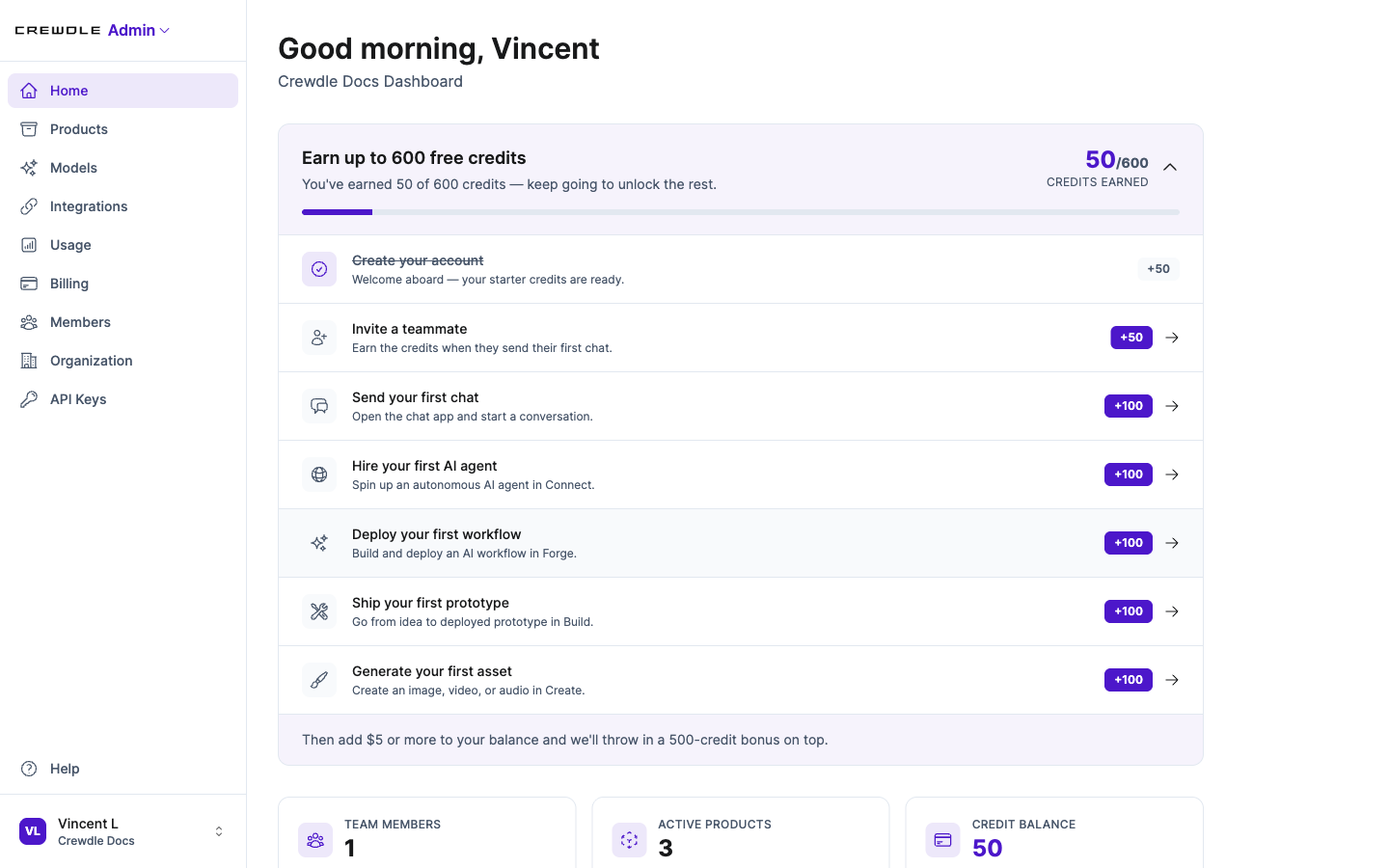 The Admin home dashboard puts your credit balance, onboarding steps, and team stats in one place.
Team and members
From Members you invite people by email, assign each a role, change roles later, and remove members. Crewdle also connects to Microsoft Entra ID, so enterprise teams can sync users and roles from Azure rather than managing them by hand.
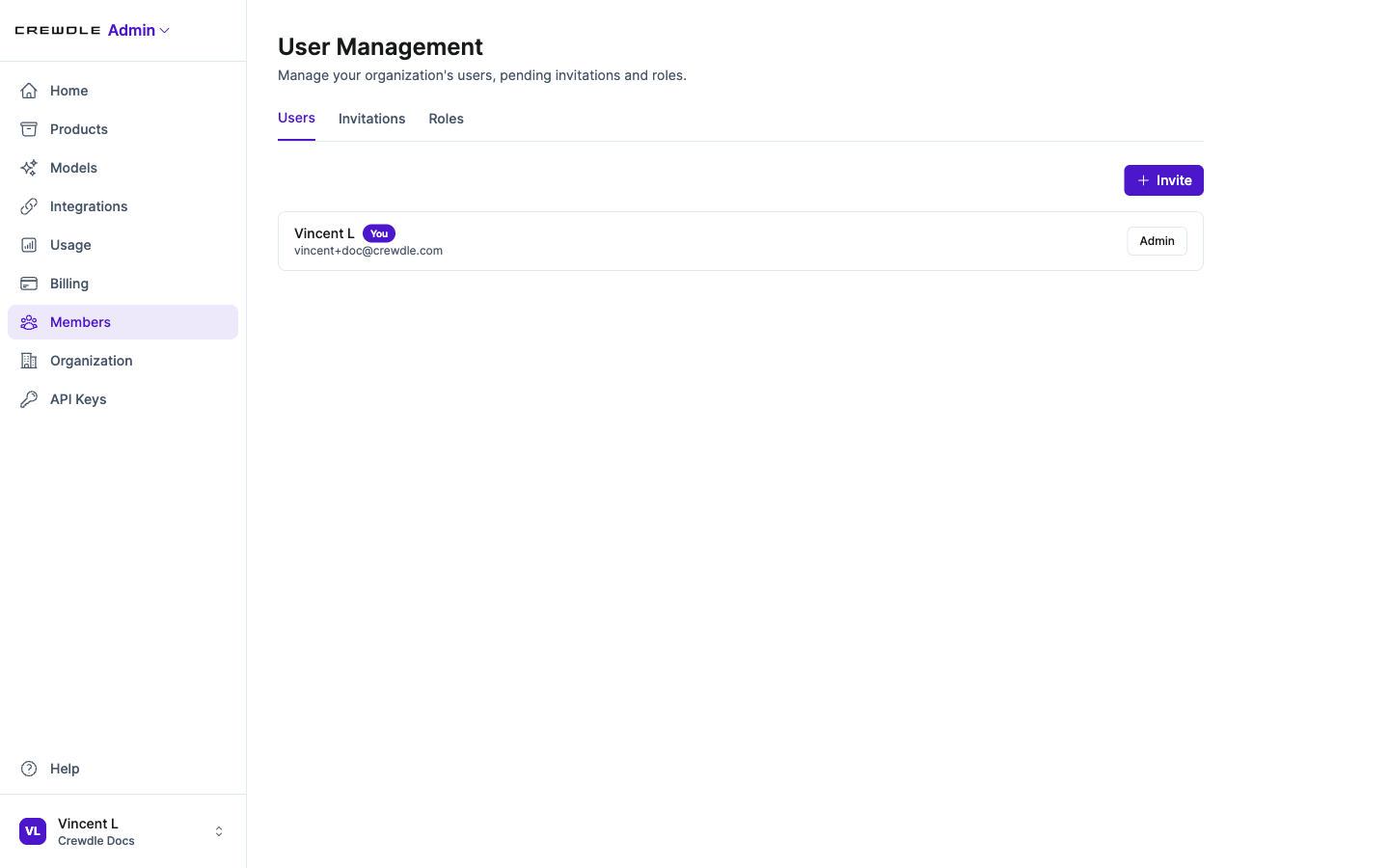 Manage users, pending invitations, and roles from the Members area.
How to invite a teammate
- Go to Members and click Invite.
- Enter the person's email and pick a role: Admin for full access, or Member for everyday use.
- Send it. They get an email to join, and you can change their role at any time.
There are no per-seat fees, so adding people does not raise your bill on its own.
Roles and permissions
Two system roles ship by default:
- Admin has full access.
- Member has everyday read and write access.
You can create custom roles and grant granular permissions: who can invite members, manage billing, manage models, read API keys, manage integrations, and more. Roles also control which products and which AI models a person can reach.
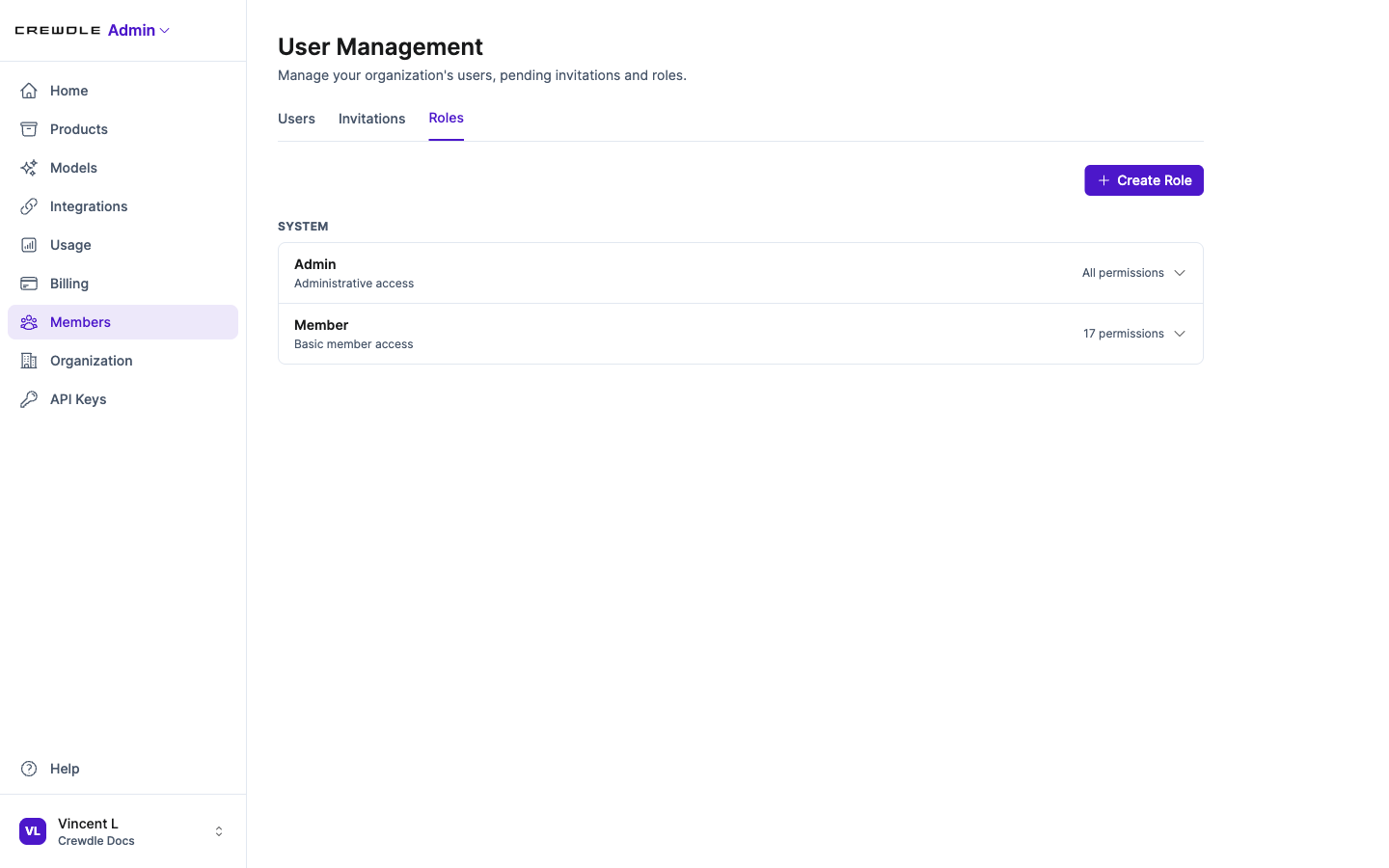 Two system roles ship by default. Create custom roles to fit how your team works.
How to set up a custom role
Most teams only need the built-in Admin and Member roles. Create a custom role when you want to match access to a job, for example a bookkeeper who sees billing but nothing else.
- On the Roles tab, click Create Role and give it a name.
- Turn on only the permissions that role should have.
- Save it, then assign it to people from the Users tab.
Organization settings
The Organization page holds settings for the workspace as a whole: rename your organization, connect Microsoft Entra ID, and, if you ever need to, delete the organization and all of its data.
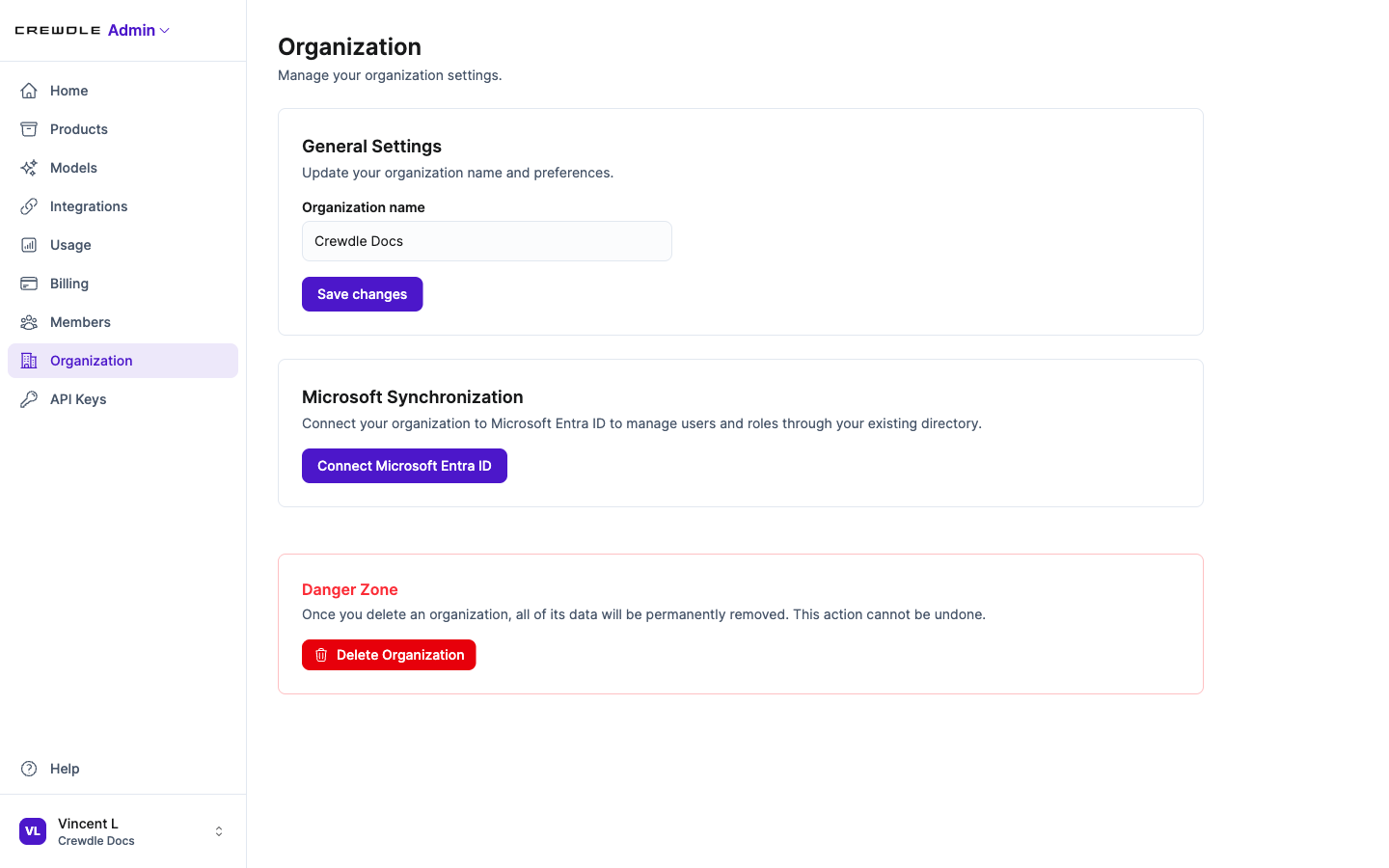 Organization settings: rename your workspace, connect Microsoft Entra ID, or delete the organization.
How to rename your organization
- Open Organization.
- Edit the Organization name field.
- Click Save changes.
To sign in and sync users and roles from your existing Microsoft directory instead of managing them by hand, use Connect Microsoft Entra ID. The Danger Zone lets an admin delete the organization, which permanently removes all of its data and cannot be undone.
Billing and credits
The Billing area shows your credit balance, purchase history, and expiring credits. Set up auto top-up so credits refill automatically when the balance drops below a threshold you choose, and set a low-balance alert. Purchases run through Stripe. See Credits and billing.
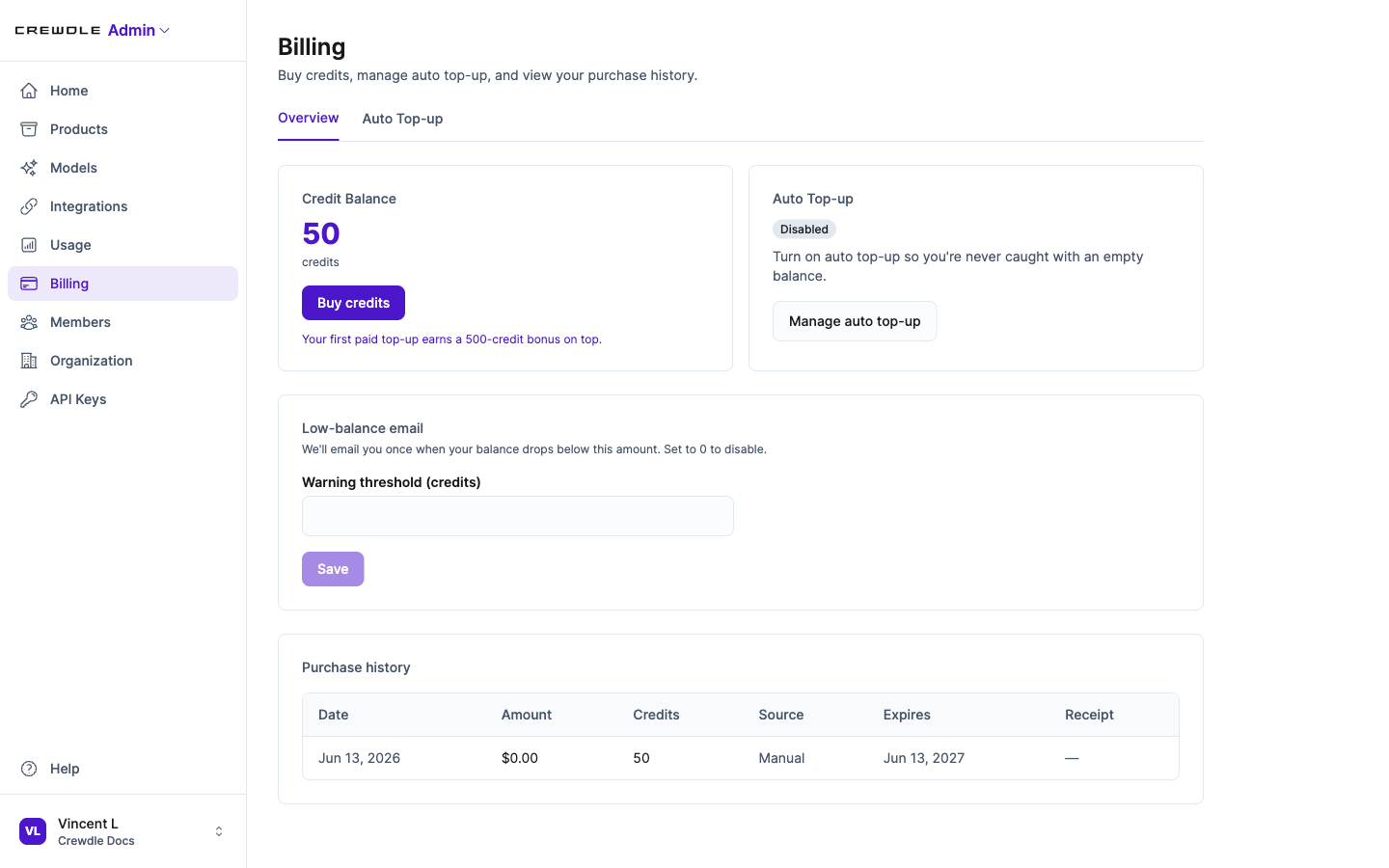 Billing shows your credit balance, auto top-up, the low-balance alert, and your full purchase history.
How to add credits and never run out
- Open Billing and click Buy credits, then pay by card. Your first paid top-up adds a 500-credit bonus.
- Open the Auto Top-up tab, set the balance that should trigger a refill and how much to add, and turn it on. Crewdle then refills automatically so the AI never stops mid-task.
- Set a low-balance email amount and save it. We email you once when you drop below it.
Usage and cost analytics
The Usage dashboard breaks down token spend and credits by product, user, and model, by month or a custom date range. It shows daily averages, a projected month-end total, and a balance forecast, so you can see where the money goes before the bill runs hot.
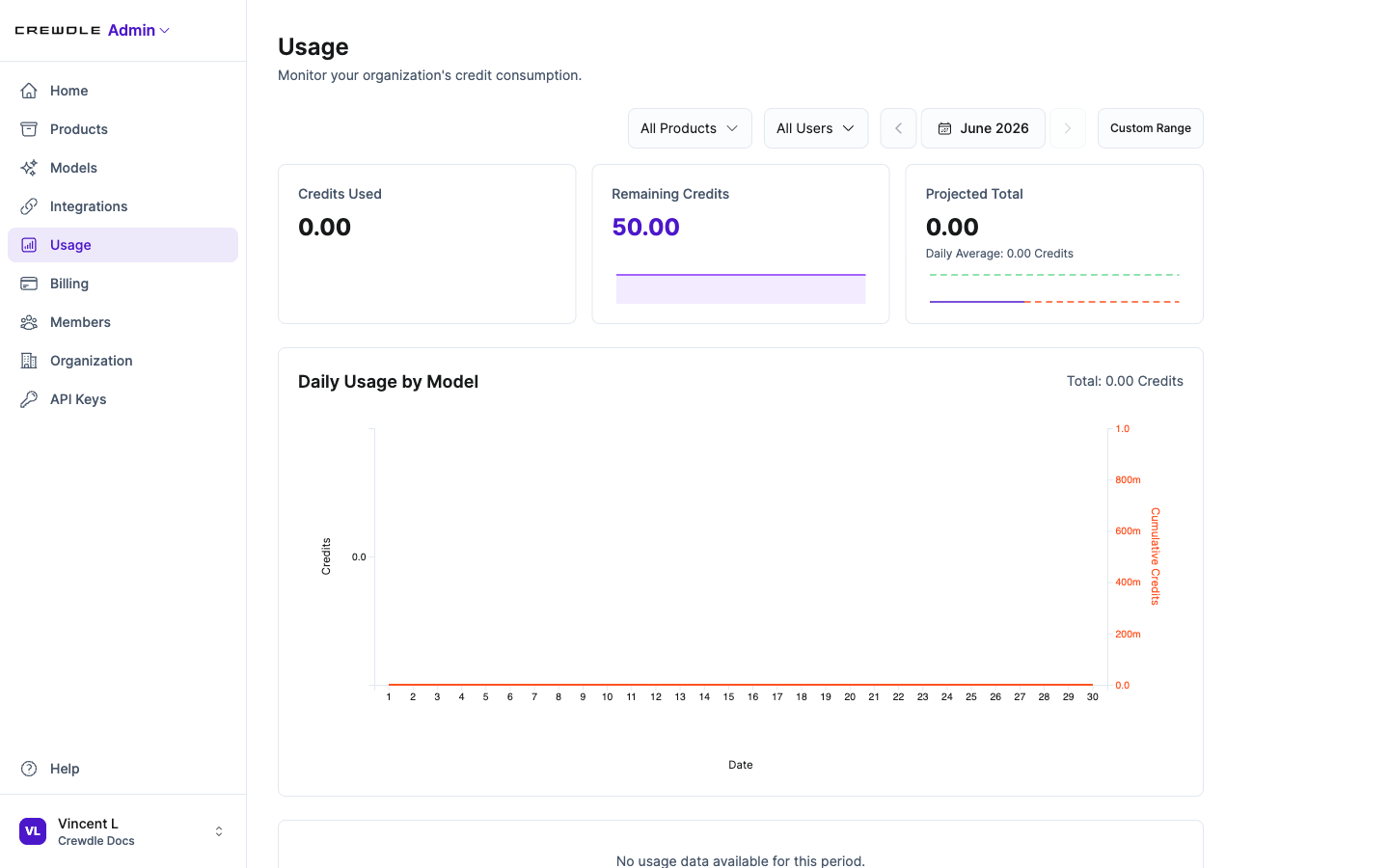 The Usage dashboard tracks credits used and remaining, with a projected month-end total and a daily chart.
How to see where your credits go
- Open Usage.
- Filter by product, by person, or by date range to find what is using the most.
- Check the Projected Total to see roughly where the month will land.
Smart model routing
Route routine work to cheaper models and save the top models for the hard problems. This keeps quality where it matters while cutting cost on everything else. See Models and smart routing.
How to choose which models your team can use
- Open Models.
- Turn models on or off for your organization. The most powerful ones are tagged Premium.
- Use Role Access to give some roles the full list and others a smaller, cheaper set.
API keys and access
Issue and copy API credentials per product account: a Client ID, a Client Token, and a Secret Key for server-to-server use. For products that serve a website you can also manage authorized domains.
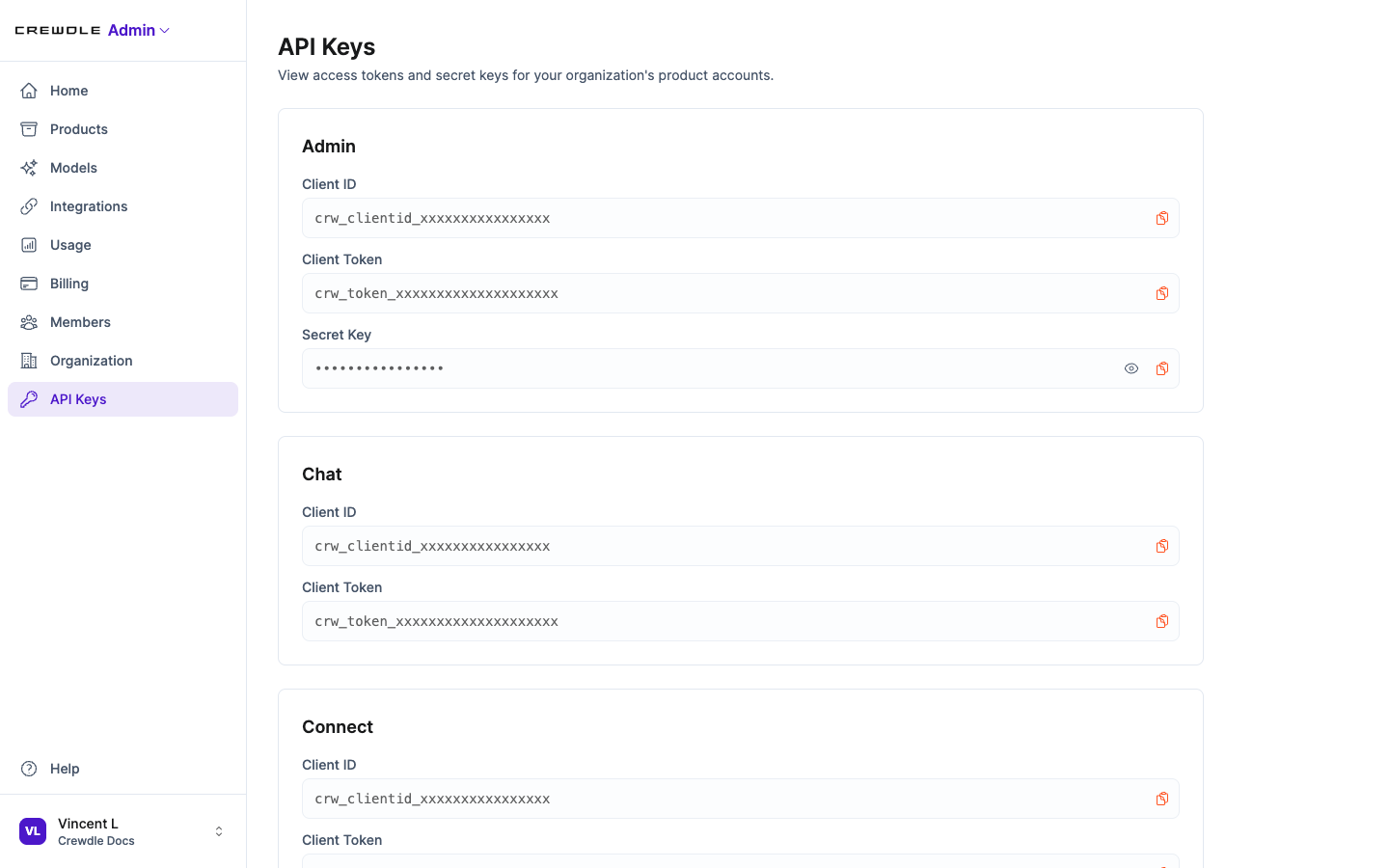 Each product account has its own Client ID, Client Token, and Secret Key. The values shown here are redacted.
Integrations
Browse and enable integrations for your organization, and choose whether each connection is shared at the organization level or authenticated per user. See Integrations and connectors.
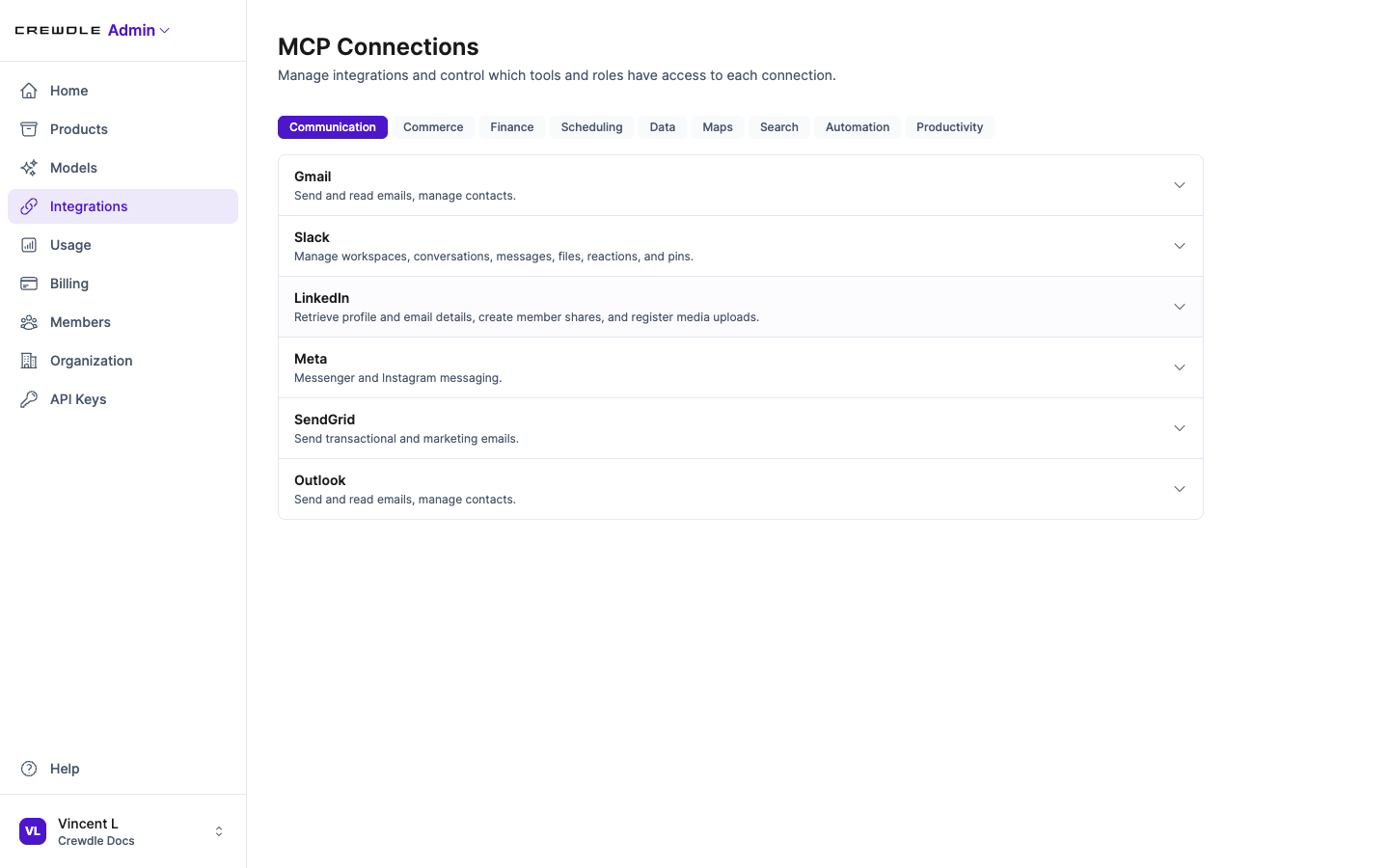 Browse connectors by category and enable the ones your team needs.
How to connect a tool
- Open Integrations and pick a category, such as Communication or Finance.
- Click the tool you already use, like Gmail or Shopify.
- Sign in to approve it, and choose exactly what the AI is allowed to do. You can disconnect it at any time.
Frequently asked questions
How do I invite someone to my Crewdle organization?
Open Crewdle Admin, go to Organizations, and invite the person by email. Assign them a role when you invite them; you can change it later.
Can I limit which AI models my team can use?
Yes. Model and product access is controlled by role in Admin, so you decide which people can reach which models and apps.
How do I keep AI costs under control?
Use the Usage dashboard to see spend by product, user, and model, set a low-balance alert, enable smart model routing, and turn on auto top-up so you are never surprised.
Does Crewdle Admin support single sign-on?
Yes. You can connect Microsoft Entra ID to sign in and to sync users and roles for your organization.
