Crewdle Create documentation
Generate images, video, and audio from a prompt, organized into projects. The creative studio of the Crewdle AI Suite.
Last updated
Crewdle Create is the creative studio of the Crewdle AI Suite. You describe what you want and it generates images, video, and audio, all kept tidy in projects, on the same account and bill as the rest of Crewdle.
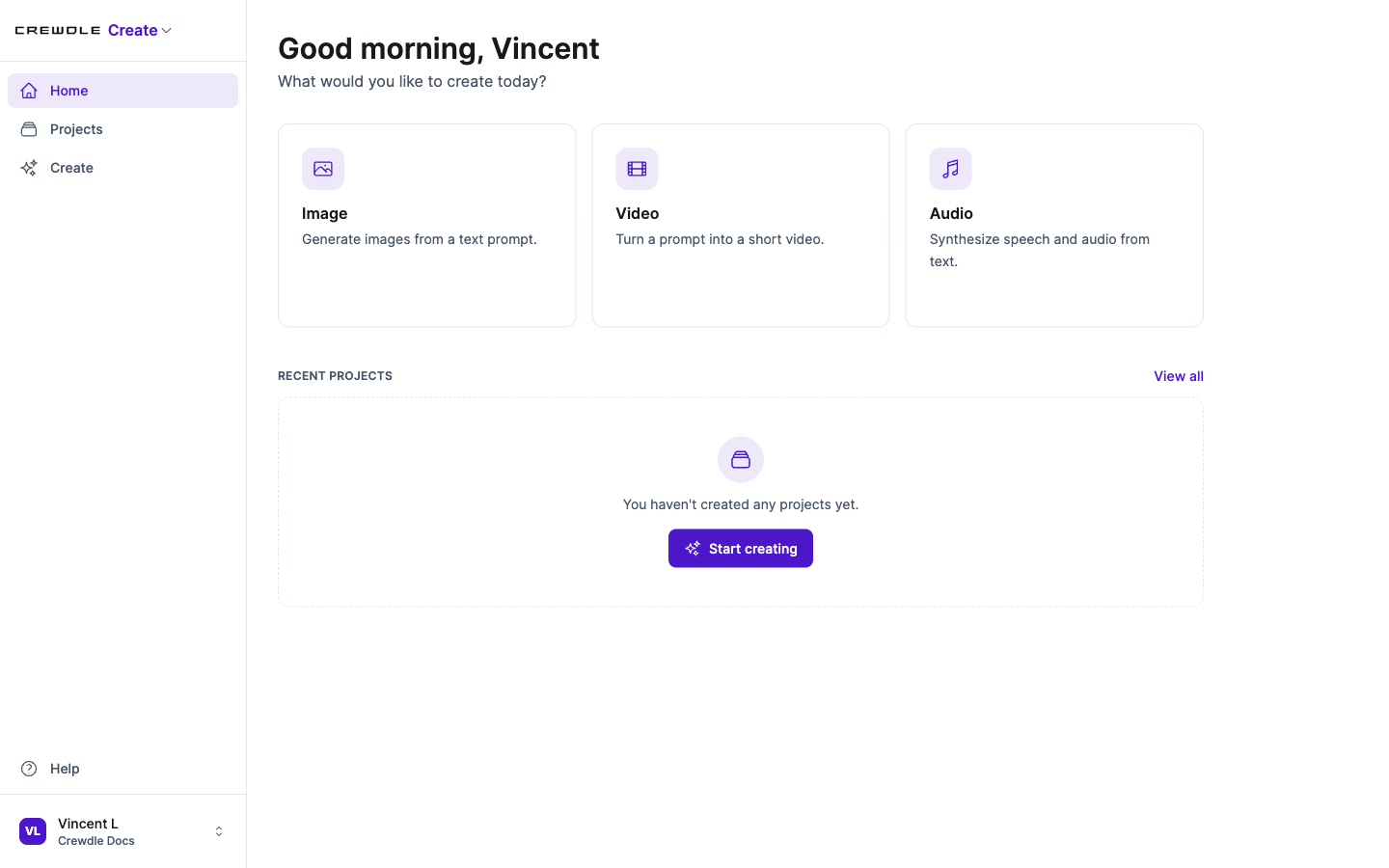 Start from a prompt: generate images, video, or audio, all on one account.
Projects keep your work organized
Everything you generate lives in a project: a campaign, a client, a product launch, or just an idea. Open a project to see every asset you have made for it, and start a new one whenever you begin something fresh.
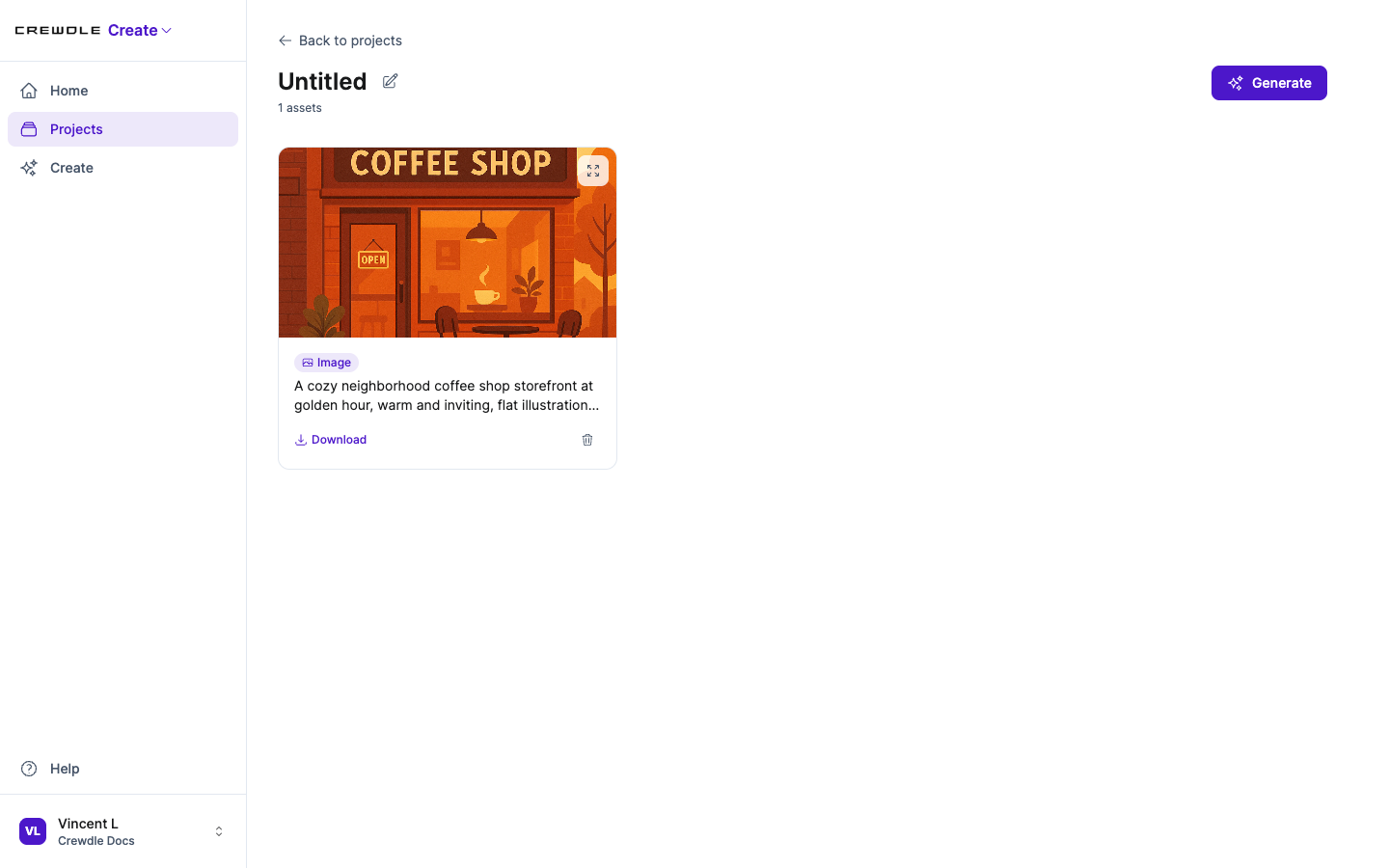 Every asset lives in a project, so a campaign, client, or launch stays together.
Generate images
Choose Image, pick a model, and describe what you want. Set the aspect ratio for the format you need, and optionally attach a reference image to steer the style or subject. Generate, review, and regenerate until it is right.
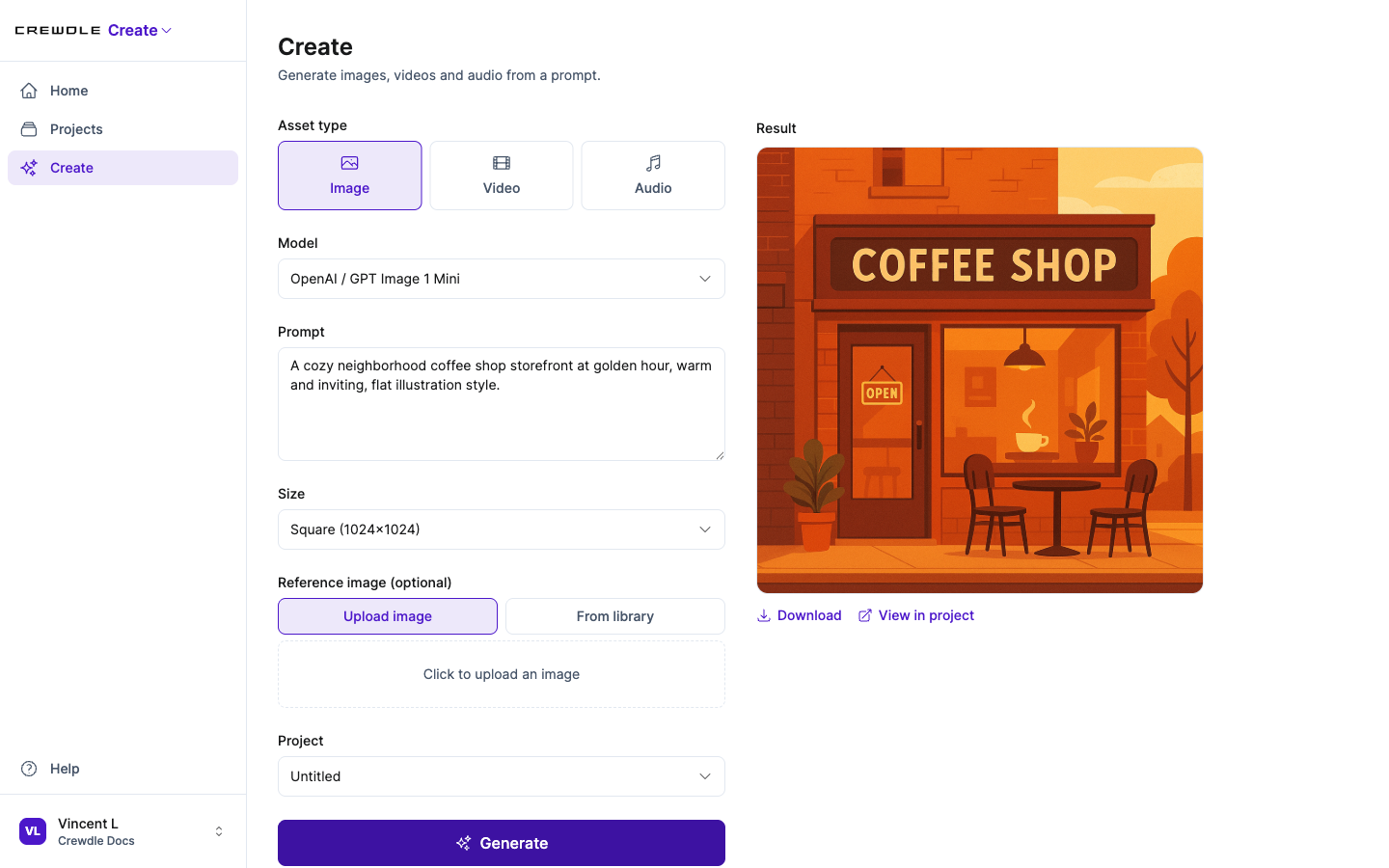 Pick a model, write a prompt, set the size, and your generated asset appears beside the form.
How to generate an image
- Open Create and choose Image.
- Pick a model, write a prompt, and set the size. Optionally add a reference image to steer the style.
- Click Generate, then download the result or save it to a project.
Generate video
Choose Video, write a prompt, and set the aspect ratio and duration. A video can start from a seed image, either one you upload or one you pick from the images you have already generated in the project, so the result matches the look you have established.
Generate audio: narration and music
Choose Audio, then pick the mode:
- Narration turns text into spoken audio (text-to-speech) for voiceovers and explainers.
- Music generates background tracks and audio beds from a prompt.
Build on what you make
Create is designed so assets feed into each other. A generated image can become the reference for another image or the seed frame for a video, so a single look carries across a whole set of assets.
One account, pay as you go
Create runs on your Crewdle account alongside Admin, Chat, Connect, Create, Build, and Forge. There is no separate subscription: you pay in credits only for what you generate, on one bill. Manage who can use it from Crewdle Admin, and see Credits and billing for how pricing works.
Frequently asked questions
What can Crewdle Create generate?
Images, video, and audio from a prompt. Audio covers both narration (text-to-speech) and music. Everything is organized into projects.
Can I use a generated image in a video?
Yes. A generated image can be used as a reference for another image or as the seed frame for a video, so a consistent look carries across your assets.
How is Crewdle Create billed?
Pay-as-you-go, on the same account and bill as the rest of Crewdle. There is no subscription; you pay in credits only for what you generate.
