Crewdle Forge documentation
Build repeatable AI workflows: pick a trigger, add AI steps and integrations, deploy, and share. A visual builder for triggered automations you design.
Last updated
Crewdle Forge is a visual builder for AI workflows. You build an automation once, then it runs every time its trigger fires, with AI doing the thinking in the middle and your tools doing the work at the ends.
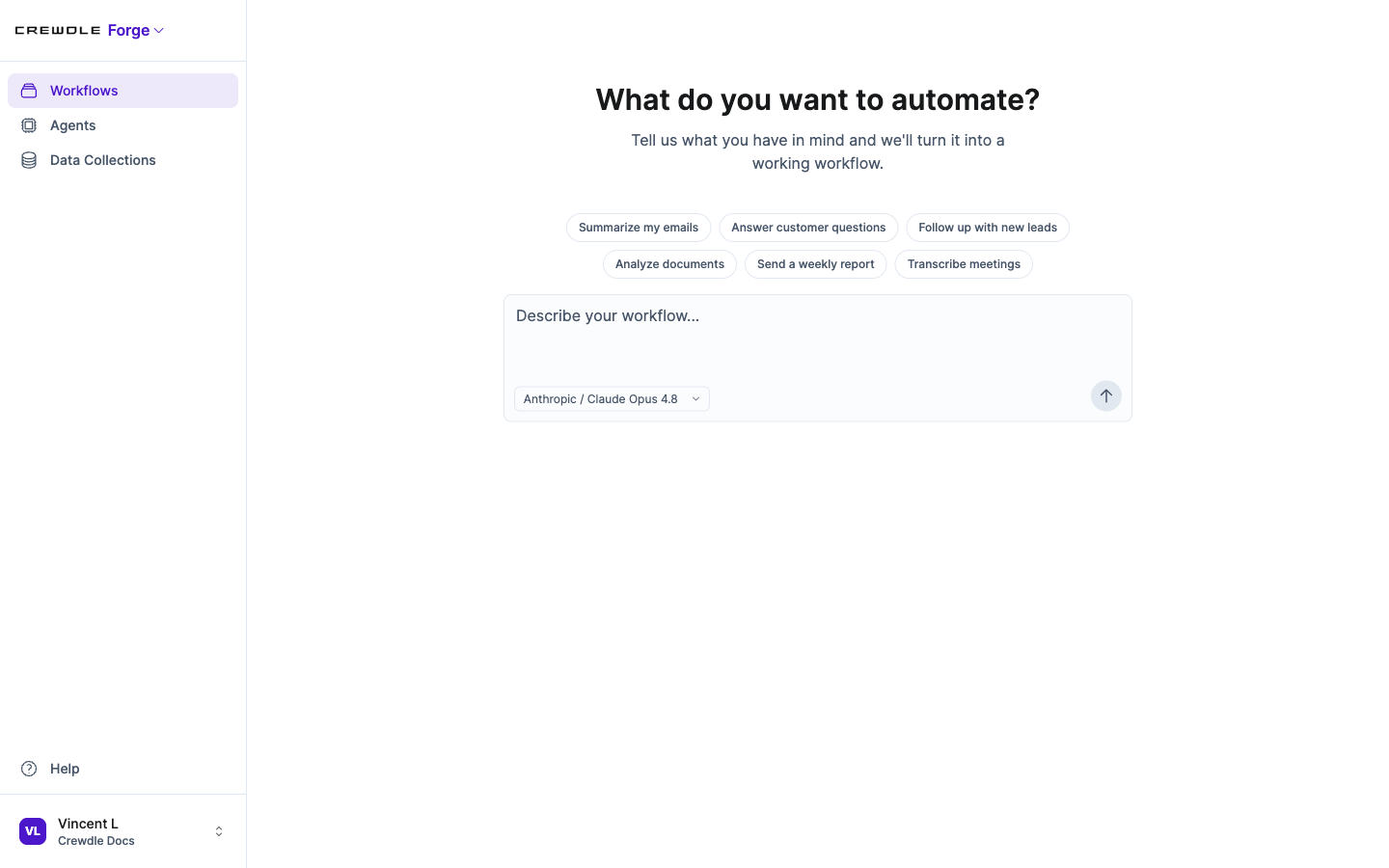 Describe the automation you want, or start from a template like "Follow up with new leads."
Workflows and blocks
A workflow is a pipeline of connected blocks. Each block does one job: it starts the flow, reasons with AI, calls a tool, transforms data, or returns a result. You connect blocks visually, and Forge checks that what one block outputs matches what the next one expects. Start from a blank canvas or a starter template, and use the AI assistant in the editor to add or change blocks by describing what you want.
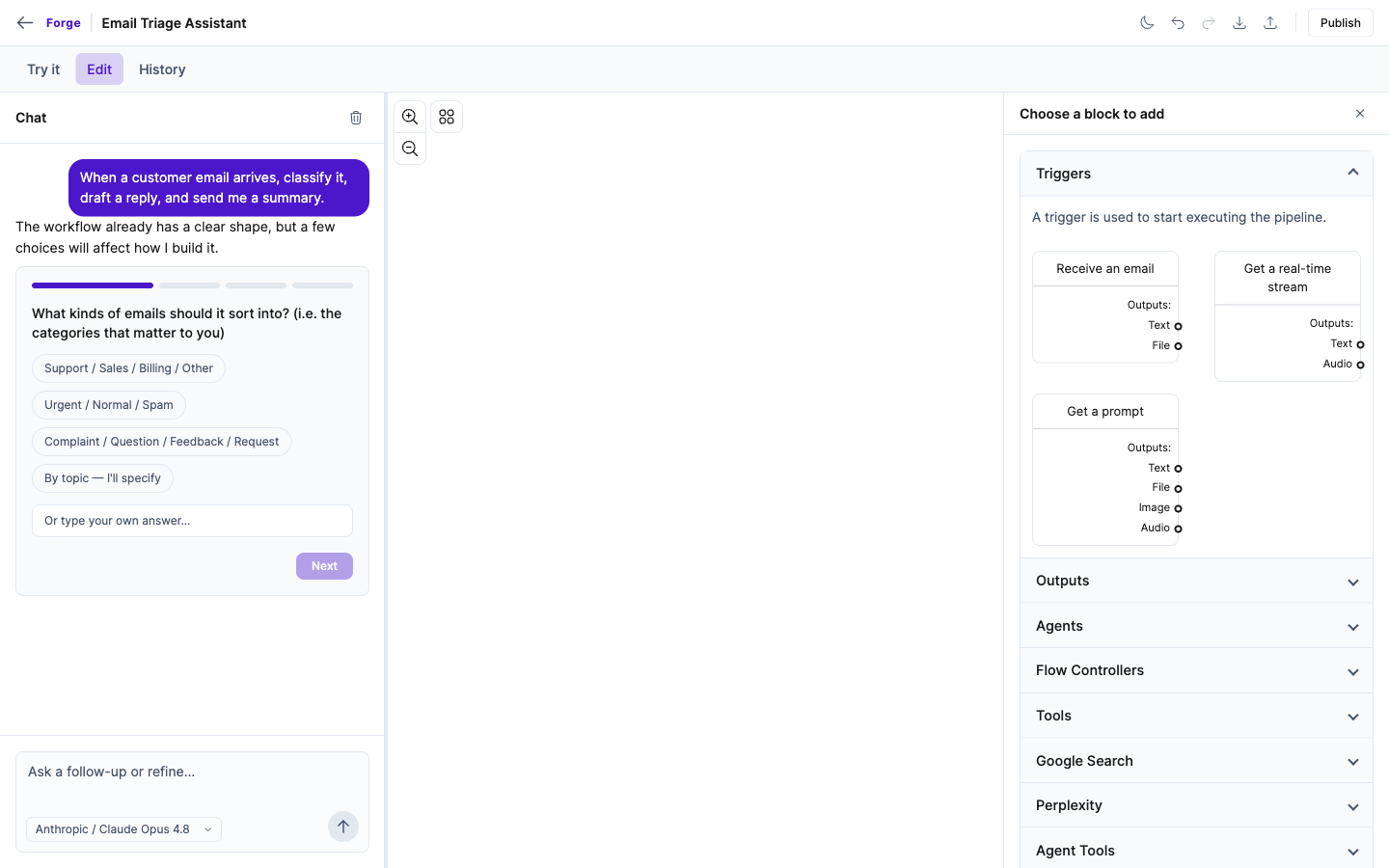 Build on a visual canvas from blocks, triggers, agents, tools, and more, with an AI assistant to add or change them.
How to build a workflow
- Open Forge, describe the automation you want, or pick a starter.
- In the editor, add blocks from the palette (a trigger, an agent, a tool) or ask the AI assistant to add them for you.
- Use Try it to test the workflow, then Publish to make it live.
Triggers: how a workflow starts
- A prompt from a user in a chat
- An incoming email
- A file uploaded to storage
- A webhook from another system
- An audio stream for voice
AI steps
Drop in an agent block to reason, draft, classify, or decide, with a model you choose and instructions you write. Add a data collection for retrieval-augmented generation so the AI answers from your own documents, and use grammar to force structured output when you need a predictable shape.
Hand off to your tools
Forge connects to 30+ services as building blocks: Google Workspace (Gmail, Calendar, Drive, Sheets, Docs), Microsoft 365 (Outlook, OneDrive, Excel, Word), accounting (QuickBooks, Xero), e-commerce (Shopify), communication (SendGrid, Messenger, Instagram), web automation and search, and more. A workflow can reply by email, create an invoice, update a sheet, post to a webhook, or return an answer. See Integrations and connectors.
Deploy, version, and share
Workflows are versioned, so you can update safely and roll back. Deploy a workflow to make it live, then share it as a public chat page or embed it on your site. The log explorer shows each run for debugging, and the usage dashboard in Admin tracks the cost.
Forge and the rest of the Suite
Use Forge to build a workflow you design that runs each time its trigger fires. For an agent that runs on its own and decides when to act, use Connect. For quick research and answers, use Chat.
Frequently asked questions
What can trigger a Forge workflow?
A workflow can start from a user prompt, an incoming email, a file upload, a webhook from another system, or an audio stream.
Which tools can a Forge workflow connect to?
Forge connects to 30+ services including Google Workspace, Microsoft 365, QuickBooks, Xero, Shopify, SendGrid, and web automation and search tools.
Do I need to write code to build a Forge workflow?
No. You assemble a workflow visually from blocks and can describe changes in plain language to the AI assistant. Developers can add custom HTTP skills when they need to.
