Integrations and connectors
Connect Crewdle to the tools you already use: Gmail, Google Calendar, Outlook, Drive, Shopify, QuickBooks, Xero, and more, so AI can act on your behalf.
Last updated
Connectors let Crewdle AI act in the tools you already use. Instead of copying data back and forth, an agent or workflow can read your calendar, send an email, update a spreadsheet, or create an invoice directly.
What you can connect
Available connectors span the tools small businesses run on:
- Email and calendar: Gmail, Google Calendar, Outlook mail and calendar
- Cloud storage: Google Drive, OneDrive
- Documents and spreadsheets: Google Sheets and Docs, Excel and Word
- E-commerce and inventory: Shopify
- Accounting: QuickBooks, Xero
- Communication: SendGrid, Messenger, Instagram
- Web automation and search, and more
The exact catalog grows over time and may depend on the app and your plan.
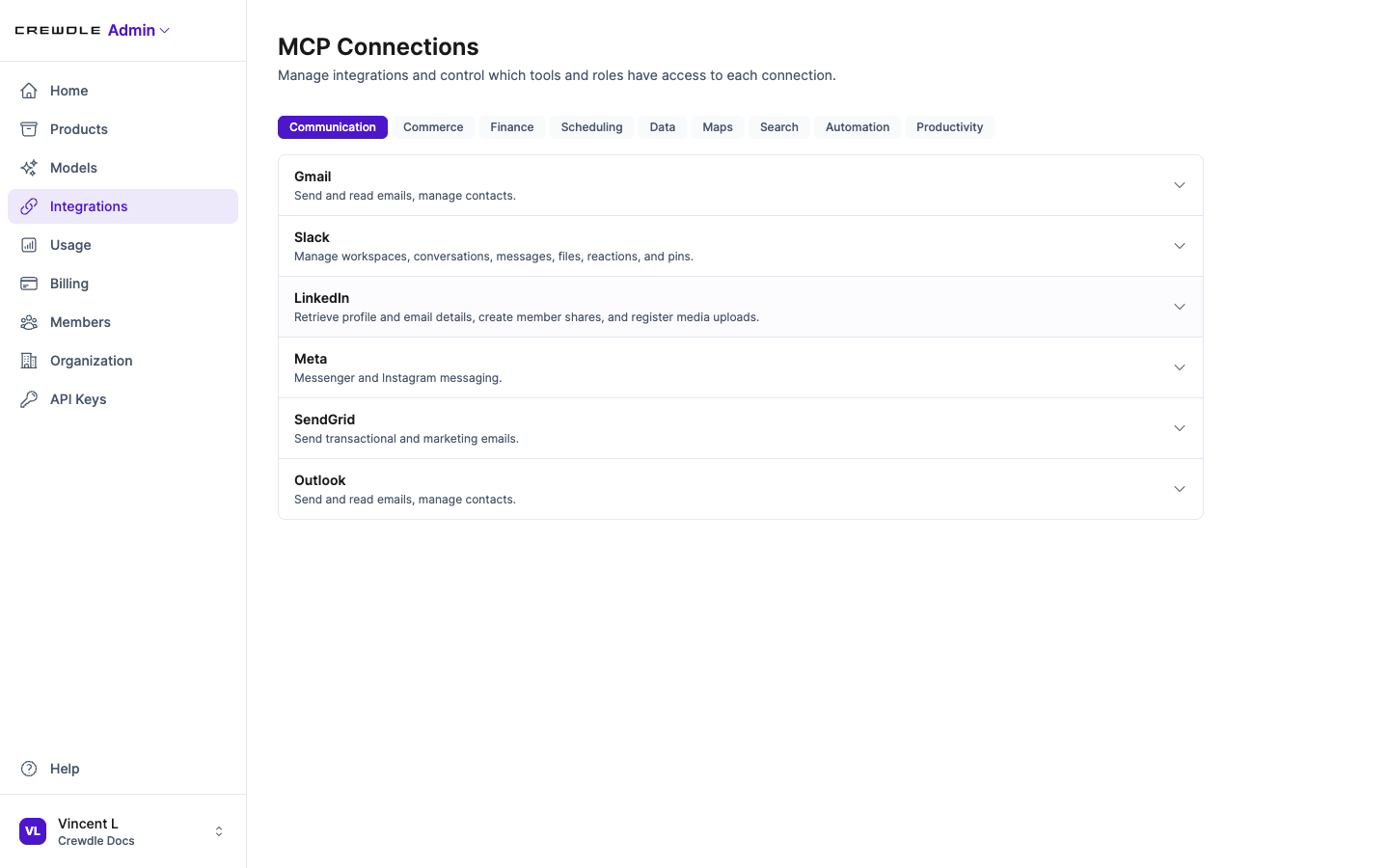 The integrations catalog in Admin, organized by category: Communication, Commerce, Finance, Scheduling, Data, and more.
How connections are authorized
Connectors use secure OAuth or an API key. You authorize a connection once, and you control which specific actions the AI may take (for example, read email but not delete it). Connections can be set up at the organization level, shared by the team, or per user, so each person uses their own account.
Using connectors in each app
- In Connect, give an agent access to your tools so it can act on them on its own as it works.
- In Forge, add a connector as a block in a workflow, so an automation can hand off to your tools when it runs.
Managing integrations
Admins manage which integrations are enabled for the organization, and who can configure them, from Crewdle Admin. Permissions control who may add or change connections.
Frequently asked questions
What tools does Crewdle integrate with?
Crewdle connects to email and calendar (Gmail, Outlook), cloud storage (Drive, OneDrive), documents and spreadsheets, e-commerce (Shopify), accounting (QuickBooks, Xero), communication tools, and more.
Are integrations secure?
Yes. Connectors use secure OAuth or API keys, you authorize them once, and you control which specific actions the AI is allowed to take.
Can each team member connect their own accounts?
Yes. A connection can be shared at the organization level or set up per user, so each person authenticates with their own account when that fits better.
